Build an AI website in 60 seconds
AI generates your personalized website instantly with built-in scheduling, payments, email marketing, and more.
Start for free


The ultimate beginner’s guide to vibe coding tools


You might have heard the phrase vibe coding on websites for founders and nontechnical builders. It’s actually a method where you use AI coding tools to do the heavy lifting in creating code. And all that’s needed is to describe what you want in plain English.
So, instead of learning programming languages or wrestling with syntax for weeks, vibe coding is perceived as a faster and more convenient way to generate code.
This shift from writing code manually to using artificial intelligence (AI) matters, especially if you have a business idea worth sharing. With this, you can build apps, test concepts, and create working prototypes. For professional developers, it’s a new coding approach that cuts standard templates and keeps focus on user experience rather than on setup chores.
This article offers everything you need to know about vibe coding. It also includes the top vibe coding tools to choose from, best practices, and more.
What is vibe coding?
Vibe coding is an AI-assisted method for creating software, and this eliminates the need to write code manually. Because of how it works, vibe coding is also known as an AI-powered coding or AI-assisted coding. The term gained popularity in early 2025 after Andrej Karpathy introduced the idea, and it stuck because it made building software faster.
At first, this method of creating code sparked a debate because it allows people with minimal coding skills to create software. Eventually, it proved useful, particularly for beginners and builders who want results without deep coding experience.
How vibe coding works
Vibe coding follows a simple process where users type an initial prompt to create a specific piece of software. From there, the AI pair programmer generates a working code, layouts, or even an entire application.
Here’s how that breaks down step-by-step:
-
Prompting
Vibe coding starts with a prompt written in plain language. Instead of thinking about syntax, you explain what you want the software to do and what the result should look like.
A good prompt mentions users, basic features, and any limits you care about. The clearer the prompt, the fewer surprises show up later.
-
Generation
Once you submit the prompt, the AI generates output right away. That output might be working code, UI components, or an entire application spread across an entire codebase.
-
Previewing
After you run stuff, you preview the output created. This could mean running the app, opening a live website preview, or clicking through a dashboard to discover any missing features, layout issues, or logic errors early.
-
Iteration
This step is where you refine the app by asking for changes, adding features, or correcting mistakes through follow-up prompts. Instead of rewriting code by hand, you guide the AI to get the results you want. This process gets repeated until you receive an output that feels usable.
Traditional coding vs. vibe coding workflows
In traditional coding, you're required to plan the structure first, set up the environment, and write code line by line before anything runs. On the other hand, vibe coding starts with the intent of creating an app or software you want to create, then moves straight to something you can see and test.
In traditional workflows, progress feels slow at first and speeds up later. With vibe coding, progress feels fast early, then slows as you polish details.
What vibe coding tools can create
Different platforms produce different kinds of outputs. Vibe coding tools like Replit and Cursor focus on full apps and real codebases. Lovable and Bolt are often used for minimum viable products (MVPs), internal tools, and quick prototypes.
Meanwhile, website-focused tools like B12 generate complete websites. Others, like Base44, specialize in dashboards, admin panels, or UI components.
Choosing the right vibe coding tools
Vibe coding tools have grown fast, and they now cover everything from coding helpers to full app builders. Some tools assist developers inside their usual workflow, while others generate entire products from a single prompt.
This variety makes vibe coding useful for beginners, solo founders, and experienced developers alike.
When choosing the right tools for your project, consider these 5 factors:
-
Ease of use
A good vibe coding tool should feel easy from the first prompt. You shouldn’t need long setup steps or technical knowledge just to get started.
-
Output quality
Output quality is about how usable the result is right away. The output should match what you asked for, not something random or broken, and with less cleanup.
-
Iteration workflow
Iteration is how easily you can improve what the tool creates. Good vibe coding tools let you tweak results by giving follow-up prompts instead of starting over.
You should be able to say “change this,” “add that,” or “make it simpler” and see updates quickly.
-
Fast deployment
Deployment means getting your project live and usable by others. Some tools handle hosting and publishing for you with one click, while others let you export files to deploy elsewhere. The best option depends on how hands-on you want to be.
-
Compatibility with existing projects
If you already have a project, compatibility is critical. A solid tool should work with common frameworks, file types, or code structures. You should be able to add AI-generated output without breaking what already exists.
Different categories of vibe coding tools
Vibe coding tools fall into 3 different categories, which are:
1. Code-first vibe coding tools
Code-first vibe coding tools live inside an integrated development environment (IDE) software and support real development work. They generate, edit, and refactor code while keeping developers in control of the final result. These tools are ideal for experienced developers who want speed without giving up structure.
2. App and product generation tools
App and product generators turn a single prompt into a working prototype. They usually create layouts, logic, and basic features all at once. This makes them great for testing ideas, pitching concepts, or building MVPs quickly. However, deeper customization may require exporting or rewriting parts later.
3. Website-focused and no-code vibe coding tools
Website-focused vibe coding tools create web applications without touching code. They handle design, content, and structure automatically, which is perfect for non-technical users. They are often used for landing pages, small business sites, and simple web apps.
Getting started with vibe coding tools
Consider following these 5 steps before getting started with vibe coding tools:
Typical onboarding flows
Most vibe coding tools start with a quick signup and a short setup screen. You’re dropped into a workspace with a prompt box and a sample idea to try. This helps users see results fast instead of getting stuck on settings.
Free trials and demos
Many platforms offer free trials, sandboxes, or demo projects. These let you test the tool without committing money or time upfront.
You can explore how prompts work and what kind of output you get. For instance, B12’s AI website builder allows you to create a website draft for free and preview the generated output.
Writing effective prompts
Good prompts are clear and specific. Instead of saying “build an app,” explain who it’s for, what it should do, and what matters most.
Breaking big ideas into smaller requests usually works better. Think of it like giving directions, not making a wish.
Tutorials, templates, and example projects
Most tools include tutorials to guide first-time users. Templates and sample projects give you something ready-made to edit instead of starting from scratch.
A good example of this is B12’s prompt website gallery or industry website library.
These templates show what’s possible and how prompts are structured. They also help users learn faster by copying and adjusting what already works.
Popular vibe coding tools (with real-world context)
There are many different vibe coding tools available, each with its own strengths, limitations, and ideal users.
The 7 popular options include:
1. v0 (Vercel)
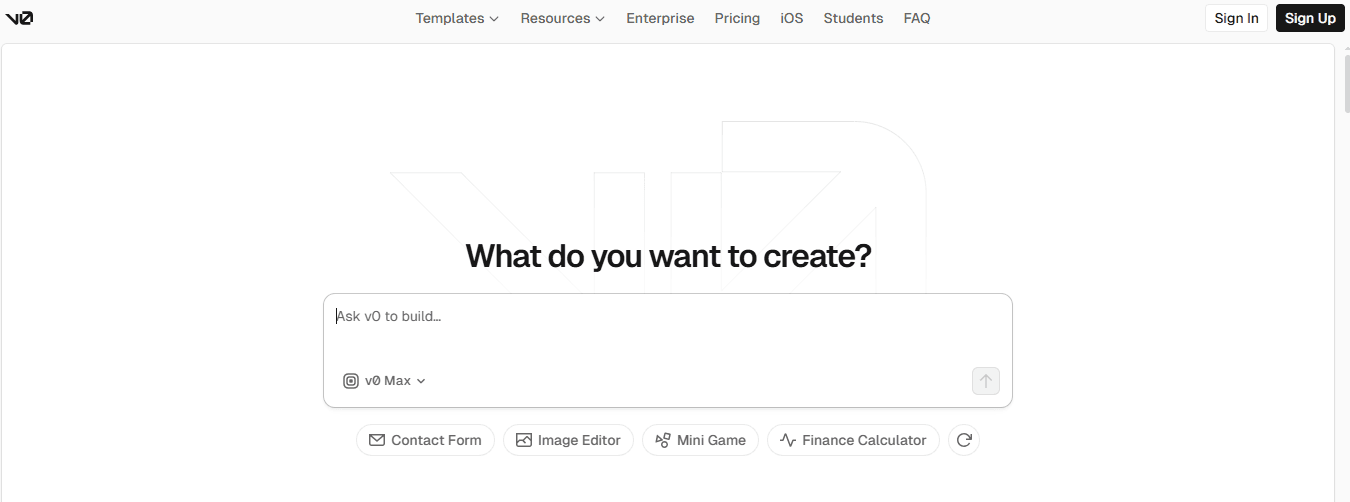
v0 (Vercel) is a vibe coding tool built to speed up app creation and web development. It focuses on front-end and UI generation, helping you create web applications, including layouts, buttons, and navigation. You can create multiple screens or view images of UI components directly.
Chat-based workflow with live preview
It has a chat-based workflow that serves as an AI pair programmer, with live preview. This feature guides you through edits so you can refine the desired outcome quickly.
Ideal user profile
This vibe coding tool is built for frontend-focused builders, designers, and startups.
Key strengths
- Exceptional user experience
- Clean UI design
- One-click deployment for fast publishing
Key limitations
- Does not generate backend logic
- Dependent on Tailwind for styling
Pricing overview
v0 offers a tiered plan, including a free option to experiment with app building and AI-powered interface generation. Paid plans unlock more AI features, higher usage limits, and professional deployment options.
2. Lovable
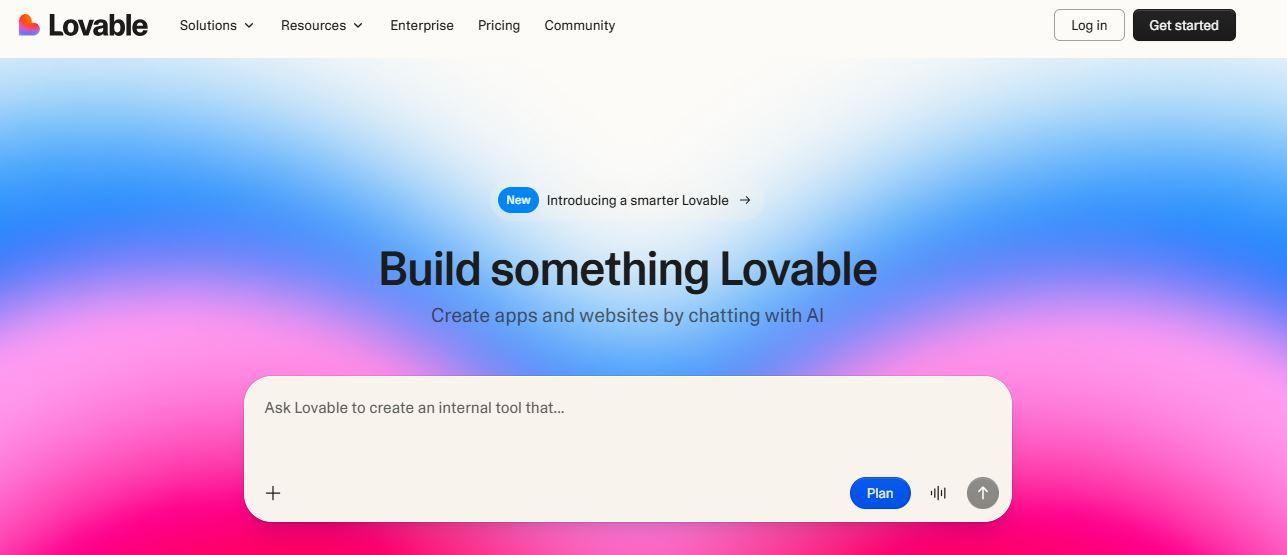
Lovable is a vibe coding tool that focuses on generating functional applications from prompts. Its AI generates not just snippets of code or UI elements, but everything from pages to app features.
This helps non-technical users experiment with full apps without worrying about programming languages or entire codebases.
Chat + preview workflow with click-to-edit functionality
The tool uses a chat-based interface that helps you refine your app interactively. You can view images of components, test flows, and click to edit parts of the app without leaving the tool. The live preview shows working code in action across multiple files, so you can see how changes affect the entire app immediately.
Ideal user profile
Lovable is best for non-technical founders, early-stage teams, or anyone doing rapid prototyping. It works well for validating a business idea or creating a working prototype.
Key strengths
- Speed
- Usability
- One-click deployment simplifies hosting
Key limitations
- Cost
- Portability
- Fine-grained control
Pricing overview
Lovable offers subscription plans with a free trial to test out app building and its chat workflow. Paid tiers unlock more projects, higher AI usage, and deployment options for live apps.
3. Replit
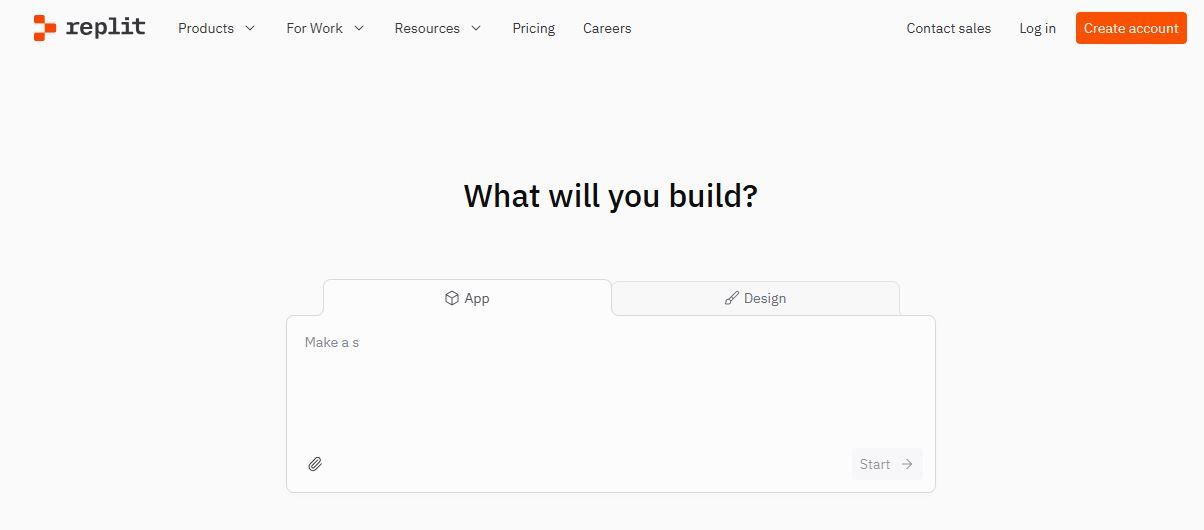
Replit offers a hybrid approach by combining AI assistance with a full coding environment. Users can generate working code, experiment with layouts, and manually edit files in the same interface.
Its Replit Agent lets you create apps from an initial prompt, test features, and deploy quickly. This makes it suitable for both prototyping and building production-ready applications.
Support for multiple languages and frameworks
Replit supports a wide range of programming languages and frameworks, making it versatile for web apps, dashboards, and internal tools. You can build apps directly in languages like Python, JavaScript, and more, while still leveraging AI-generated suggestions.
Ideal user profile
Replit is perfect for developers who want an AI pair programmer inside a real IDE.
Key strengths
- Flexible workflow
- Strong collaboration tools
- Full code ownership
- Supports rapid prototyping and iterative development
Key limitations
- Steeper learning curve for non-technical users
- Initial setup and navigation may feel overwhelming for beginners
Pricing overview
Replit offers a free tier for experimentation and smaller projects. Paid plans scale with compute, storage, and AI features, making it suitable for growing teams or developers building full applications.
4. Cursor
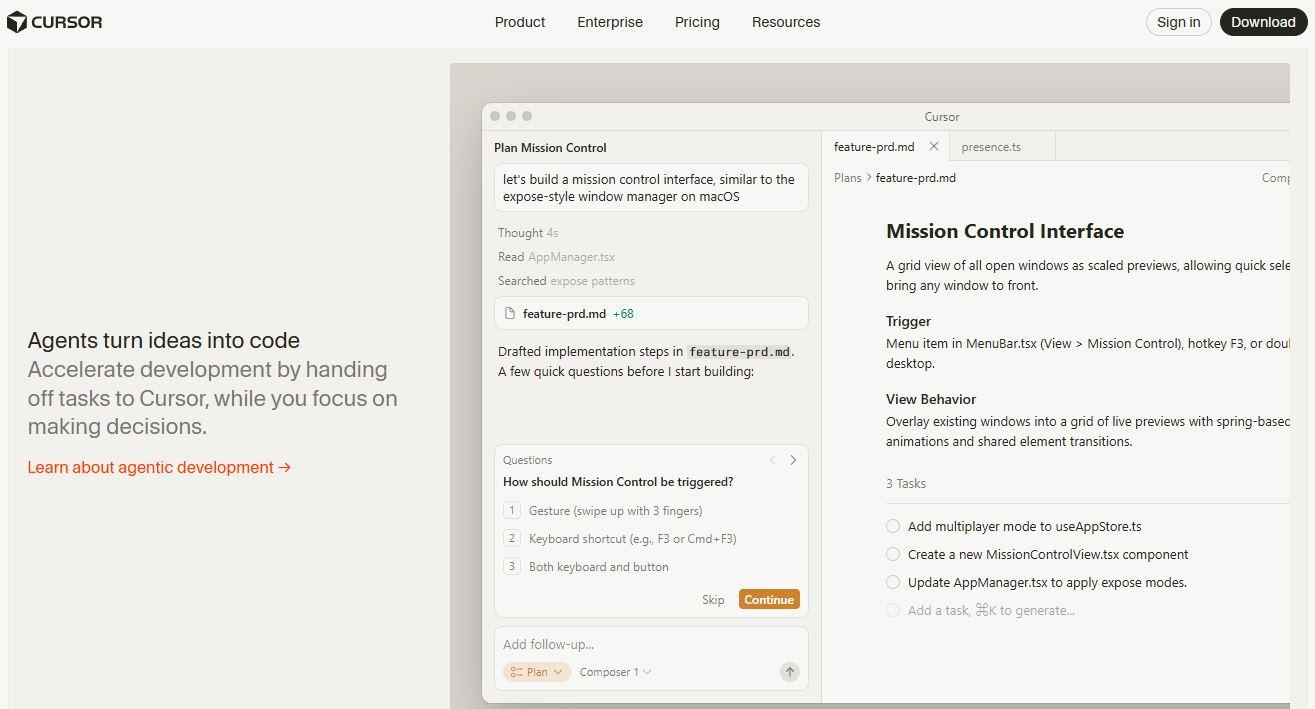
Cursor is an AI-native code editor designed for vibe coding workflows. It works as a coding partner, helping developers write, adjust, and optimize working code without losing track of the project’s structure. Its prompt-driven workflow allows developers to iterate quickly while keeping full control over their coding experience.
Deep context awareness of existing codebases
Cursor can read and reason across multiple files and entire projects. This means the AI can suggest changes or generate new features while understanding the rest of your code.
It’s especially helpful for large web applications, dashboards, or internal tools where context is key.
Ideal user profile
Cursor is perfect for experienced developers who want AI as a coding partner. That said, beginners or non-technical users may find Cursor overwhelming.
Key strengths
- Helps with refactoring large codebases
- Efficient reasoning across entire applications
- Prompt efficiency
Key limitations
- Not beginner-friendly; requires coding experience
- Steeper learning curve for those new to IDEs or project structure
Pricing overview
Cursor offers subscription plans for individuals and teams, with no free version. Pricing reflects its professional focus, giving access to advanced AI features and deeper project analysis.
5. Bolt
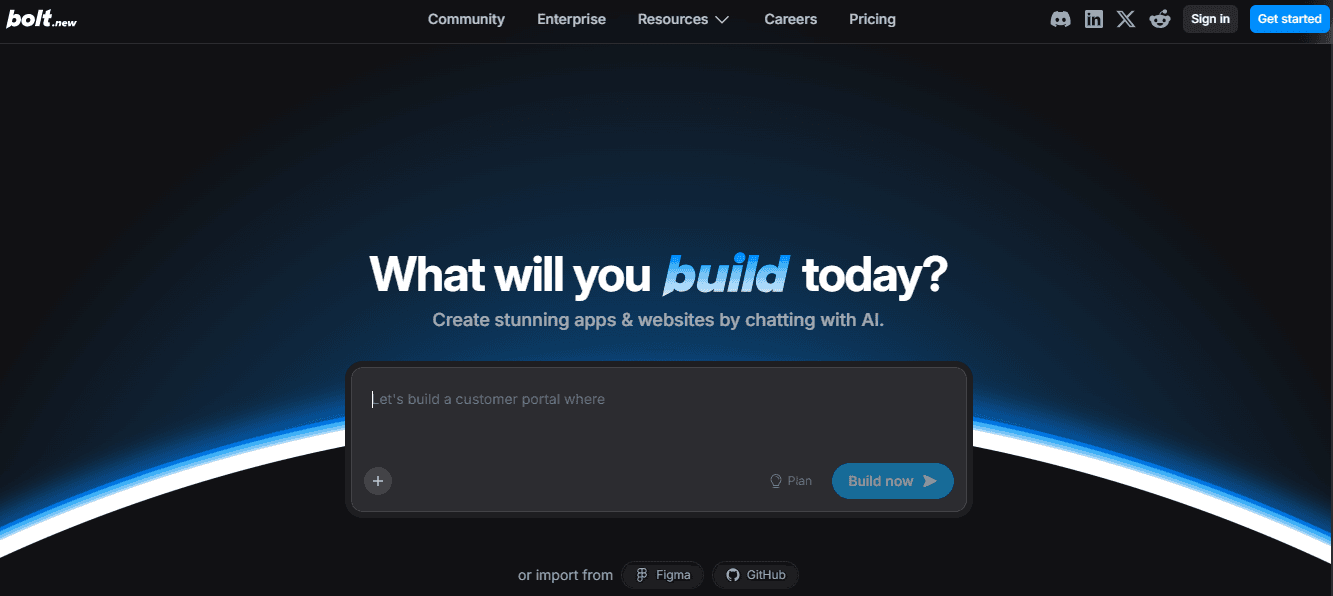
Bolt is a vibe coding tool designed for rapid scaffolding and MVP generation, letting you turn ideas into working prototypes quickly. It’s built for speed and simplicity, making it perfect for early-stage projects or internal tools.
Prompt-first workflow
Bolt uses a prompt-first approach, meaning you describe what you want and the AI builds it for you. This workflow is intuitive and cuts down on setup time, letting you focus on refining your idea.
Ideal user profile
Bolt is best suited for founders, designers, and small teams who need quick prototypes or internal tools.
Key strengths
- Extremely fast builds that save development time
- Very simple and easy-to-use workflow
Key limitations
- Limited depth for complex applications
- Not built for scalable projects
Pricing overview
Pricing is straightforward and aligns with Bolt’s quick-build philosophy, letting users experiment without heavy investment.
6. Base44
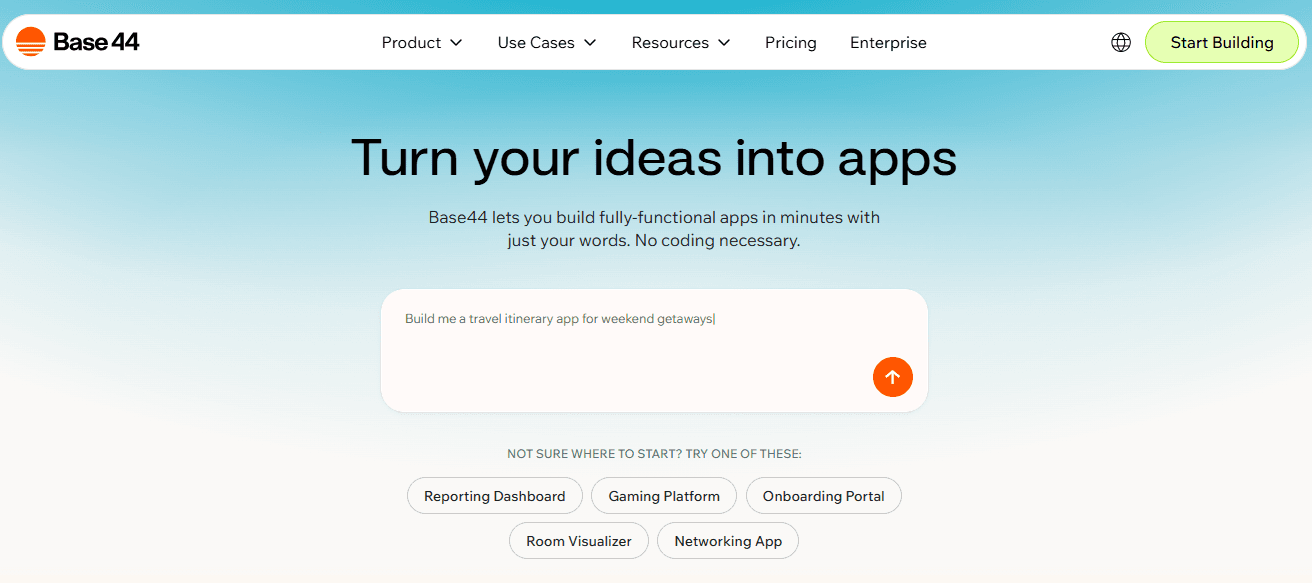
Base44 is a vibe coding tool focused on helping teams quickly build internal tools, dashboards, and workflows. It focuses on functionality and speed rather than public-facing design, making it ideal for operational environments.
Data-driven interface generation
Base44 uses the data you provide to automatically generate interfaces and dashboards that are ready to use. This makes it easy to visualize data and interact with internal systems quickly.
Ideal user profile
Base44 is best suited for operations teams, internal departments, and anyone building tools for company use rather than public websites.
Key strengths
- Fast setup for internal tools and dashboards
- Highly useful for operational workflows
Key limitations
- Limited flexibility for custom design or branding
- Not ideal for public-facing websites or creative projects
Pricing overview
Pricing is structured to support organizational use, making it a good fit for teams rather than individual creators.
7. B12
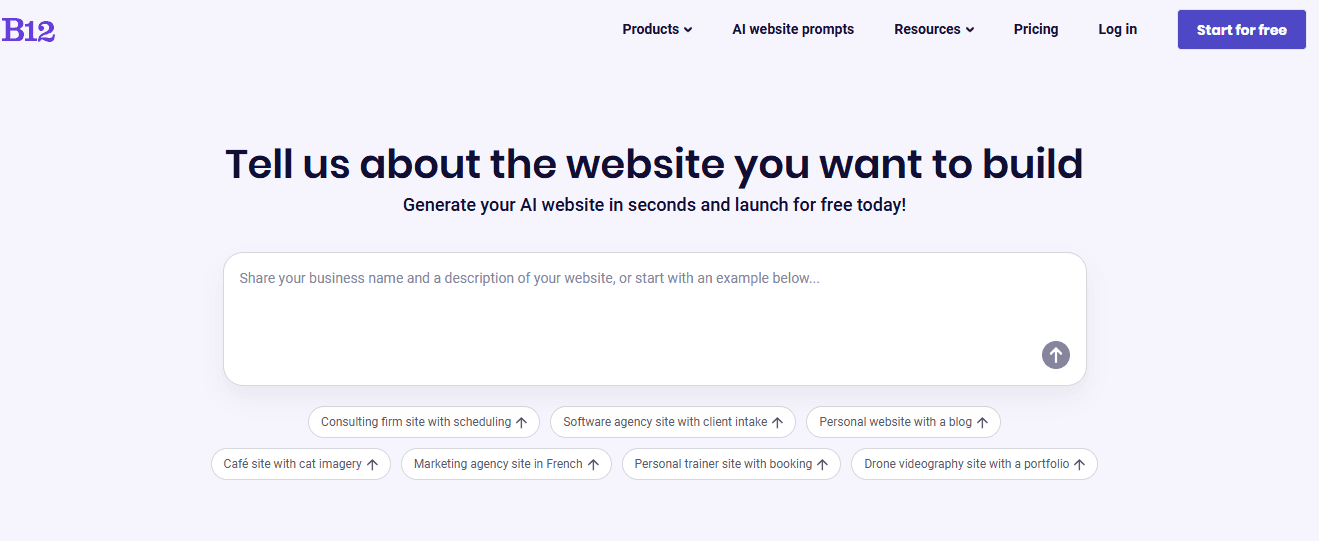
B12 is an AI website tool that focuses on website creation, producing pages, layouts, and content automatically from a simple description of your business. This platform offers a fast solution for anyone who needs a professional-looking site without building it manually.
Full-site generation from prompts
By providing a prompt about your business or services, B12 creates a complete website with all the essential pages, navigation, and content ready to go. This reduces setup time and speeds up getting online.
Conversational editing via built-in AI agent
You can edit your site through a built-in AI agent, which allows conversational changes to content, layouts, and images. This makes updates and tweaks simple, even if you have no technical background.
Ideal user profile
B12 is perfect for business owners, marketers, and service providers who want a ready-to-publish website quickly. It’s especially helpful for small businesses and solo entrepreneurs without a web development team.
Key strengths
- No coding required to launch a full website
- Produces production-ready websites quickly
Key limitations
- Not designed for custom application logic or complex backend features
- Limited flexibility for highly specialized web apps
Pricing overview
B12 offers clear pricing plans that bundle hosting, AI support, and maintenance. Plans are tailored for businesses that need a professional website with minimal setup.
Using an AI tool for coding and website creation
Vibe coding tools help you build apps and websites without getting bogged down in technical details. The 4 processes below show how AI can assist with common development tasks, which include:
1. Feature generation
Vibe coding tools let users describe a new feature and watch it appear across the entire codebase. This helps beginners skip syntax stress and helps developers avoid repetitive work. The AI acts like a pair programmer who never forgets context.
2. Debugging
When bugs show up, describing symptoms often works faster than digging through files. AI tools suggest fixes, highlight suspicious logic, and explain reasoning in plain language. This helps non-coders learn and helps developers move faster.
3. Content updates
For websites, you can do conversational edits and ask for new copy, a tone shift, or a page rewrite without touching code. That speed keeps sites fresh and lowers dependence on developers for small tweaks.
4. Layout changes
Changing structure used to mean CSS fights. With vibe coding, you describe spacing, sections, or hierarchy and preview the result. Tools like B12 focus here, keeping layout work accessible and fast.
Best practices for vibe coding
Consider following these 5 best practices to get the most out of vibe coding tools and create working apps or websites more smoothly.
1. Clear prompting
Giving the AI a clear and specific prompt helps it generate output that matches your goals. Mention the users, the desired outcome, and any constraints so the AI knows exactly what you expect. This approach saves time and reduces the number of revisions you need to make.
2. Iterative workflows
Breaking your work into small steps works better than trying to do everything at once. Build a part of your app or website, review the result, and then make adjustments. This back-and-forth rhythm helps the AI produce output that stays closer to your intent.
3. Testing outputs
Always run or preview what the AI generates to make sure it works as expected. Check every feature, page, or interaction because bugs can hide in unexpected places. Testing regularly keeps your project stable and avoids surprises later.
4. Maintaining structure
Ask the AI to explain how files are organized and how the logic flows. Knowing the structure makes it easier to add new features, fix problems, or update the project later. Clear understanding prevents confusion as your project grows.
5. Understanding tool limits
Every vibe coding tool has strengths and weaknesses. Knowing what a tool can and cannot do early on saves you time and frustration. This helps you pick the right tool for each task and avoid running into dead ends.
Common challenges in vibe coding
Among the common challenges in vibe coding include:
-
Prompt ambiguity
Vague or unclear prompts can confuse the AI, leading to results that don’t match your expectations. Being specific helps reduce odd outputs and wasted time.
-
Inconsistent output
Sometimes the AI generates different results for the same request, which can frustrate users who want repeatable code. Checking outputs and refining prompts helps maintain consistency.
-
Revision management
Changes can pile up quickly, making it hard to track what has been modified. Using version history, previews, and clear notes keeps the workflow organized.
-
Security and performance concerns
AI-generated code can include hidden security issues or use more server resources than hand-written code. Regular human review ensures your project stays safe and efficient.
-
Suitability for experimentation and MVPs
Vibe coding works best for testing ideas, rapid prototyping, and building minimum viable products. Complex production projects still need careful planning and developer oversight.
-
Balancing speed and care
It’s tempting to move fast, but slowing down to review code and outputs prevents mistakes. Thoughtful iteration helps produce reliable results while still taking advantage of AI speed.
The future of vibe coding tools
Vibe coding is evolving fast, and the latest trends show how these tools are shaping the next generation of software creation. Looking at what leading platforms offer can give us a sense of where the field is headed with these 3 predictions:
1. Deeper AI context
Vibe coding tools are getting smarter, remembering more about your project and understanding the intent behind prompts.
For instance, Cursor can analyze existing codebases to make precise suggestions, helping experienced developers generate complex applications with minimal friction. This deeper context ensures the AI output aligns with your project’s design and functionality goals.
2. Broader accessibility
Tools are becoming more user-friendly, opening the door for people without coding experience to create apps, dashboards, and websites. Platforms like Lovable allow non-technical founders to quickly build fully functional prototypes, making app building faster and more approachable.
This trend is expanding who can participate in app creation and lowers barriers for small teams and solo entrepreneurs.
3. Expansion into full digital experiences
Vibe coding is moving beyond generating snippets of code to powering entire working applications. Platforms like B12 let business owners produce full websites from natural language prompts, handling layouts, UI components, and content updates without writing a single line of code.
This signals that vibe coding is maturing from rapid prototyping tools into solutions capable of delivering full-scale digital experiences.
Why vibe coding tools are changing software development for beginners
Vibe coding is a modern approach that lets you create apps, websites, and digital tools faster by leveraging AI to generate code, UI components, or even full projects from simple prompts. It’s powerful because it makes software development more accessible, whether you’re a non-technical founder, a designer, or an experienced developer looking to speed up your workflow.
Modern vibe coding tools come with benefits and some limitations. With these tools, you can save time, reduce repetitive work, and get your ideas running quickly. Choosing the right tool depends on your goals, skill level, and how much control you want over the final output.
For anyone looking to build websites, apps, or digital experiences efficiently, vibe coding is a faster and more approachable way to bring ideas to life. Platforms like B12 make it easy to go from prompt to fully deployed website, helping you achieve your desired outcome with one-click deployment and minimal coding experience.
Try B12 today and see how fast you can bring your vision to life.
Look professional online with tips from B12
Receive our email newsletter for advice on how to grow your business and engage clients.
Draft your site in 60 seconds
Get an AI website made specifically for you that's free to launch.
Start for free ✨No credit card required
Related posts


Spend less time on your website and more time growing your business
Let B12 set up your professional online presence with everything you need to attract, win, and serve clients.