Build an AI website in 60 seconds
AI generates your personalized website instantly with built-in scheduling, payments, email marketing, and more.
Start for free


9 ways pop-ups, banners, and CTAs work together to increase leads (a conversion toolkit playbook)


Though AI can whip up stunning websites in minutes, traffic alone isn’t enough to acquire leads for conversion. That's where pop-ups, banners, and CTAs come in. They're like your website's friendly nudge, guiding folks right to your contact form or signup.
With a free AI website builder like B12, you get a complete website packed with these conversion tools for AI websites, no coding skills required. This blog discusses how B12's Conversion Toolkit handles built-in tools for pop-ups, forms, and scheduling, making your AI generated website a lead machine from day one.
9 proven ways to combine pop-ups, banners, and CTAs for more leads
With over 63% of new websites estimated to be built using AI-assisted platforms, it's essential to use a conversion toolkit that will help your AI-built website grow. Here are 9 proven tips when using B12's AI website builder:
1. Time-triggered pop-ups for lead magnets
Time-triggered pop-ups work like good timing in a conversation. You don’t pitch the moment someone walks in the door. You wait until they’ve looked around. A 20–30 second delay often feels natural, especially on an AI-built website where visitors skim fast.
Offer something with real value: a short e-book, a checklist, or a free consultation, and pair it with a call to action, like “Book today” or “Grab your copy now!”
For non-technical users, this is easy to set up with an AI website creator that includes built-in tools for forms. On B12, these pop-ups connect straight to scheduling and email capture, so your landing page starts pulling weight right away.
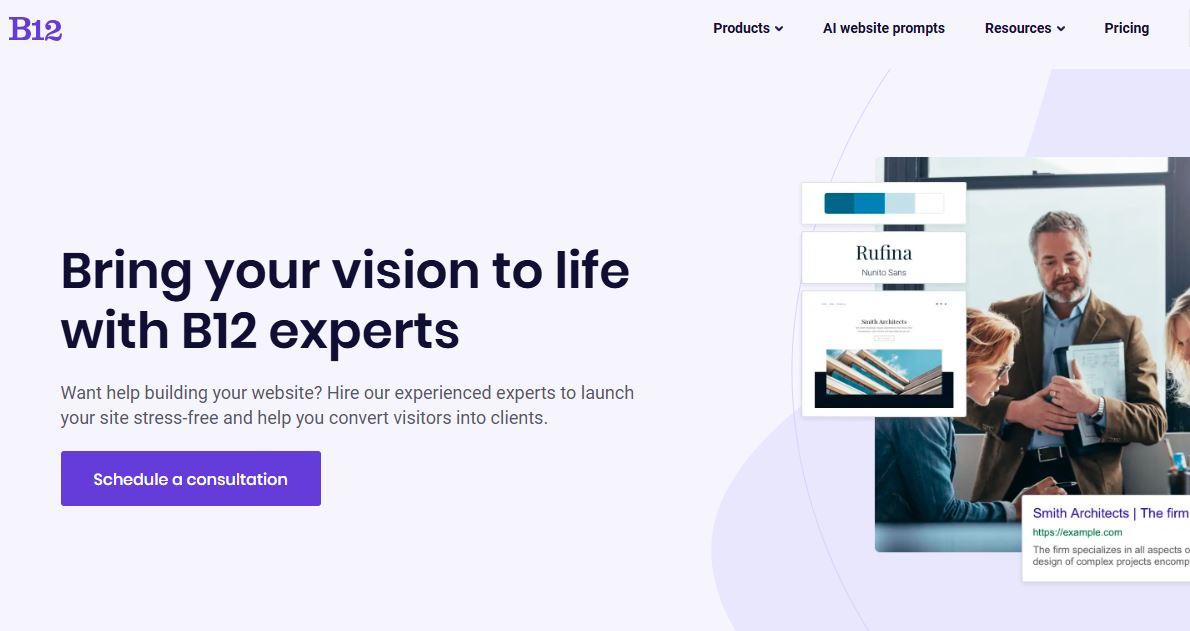
2. Exit-intent pop-ups to recover abandoning visitors
Exit-intent pop-ups catch people at the edge of leaving, when the cursor from a visitor’s mouse drifts toward closing the tab, that’s when the exit-intent pop-up fires up. It can be a simple message like “Before you go, want a free consultation?” paired with a short form can save leads that would otherwise vanish.
While many builders suitable for beginners offer exit intent, B12 folds it into a broader AI website optimization flow tied to follow-up messages and client intake.
3. Sticky banners for ongoing promos
These banners are positioned at the top or bottom of your screen, scrolling with the user, announcing your latest discount or webinar signup. They’re great for announcements, seasonal offers, or pushing visitors toward a custom site action like booking a call.
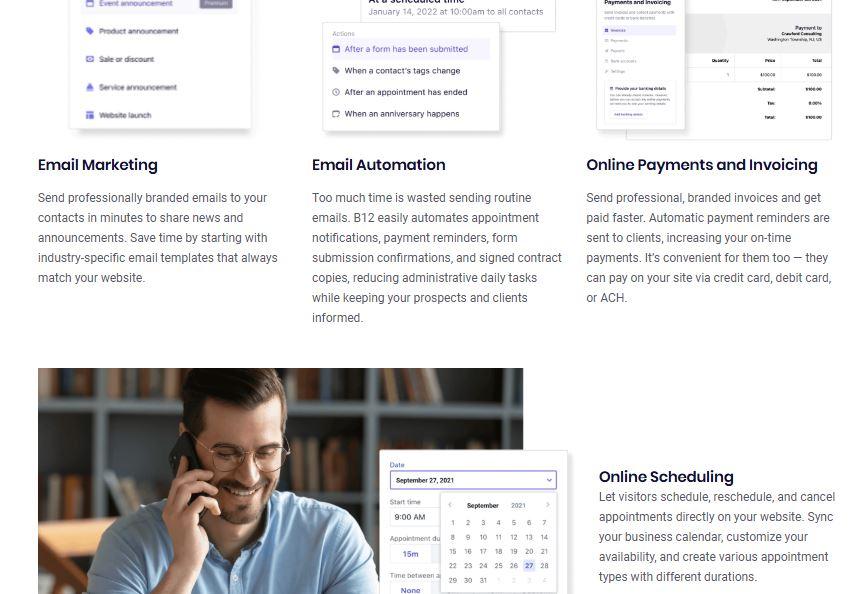
For online stores or service-based WordPress website alternatives, like Webflow or Wix AI, banners help keep promotions visible across all websites generated by your AI website design generator. On B12, these banners stay clean, mobile-ready, and clutter-free, even on a free plan.
4. In-content CTAs for blog readers
There are two types of blog readers: those who seek more information about your offering, and those who are already invested in buying or availing. In-content CTAs target the latter.
So, embedding contextual CTAs between sections in your content naturally transitions the reader into the conversion phase.
For instance, a short line inviting readers to “Create a website” demo or download a guide fits smoothly inside long-form posts. This works well for SEO-driven traffic coming from search engines, especially when the CTA mirrors the website's purpose and uses relevant keywords naturally.
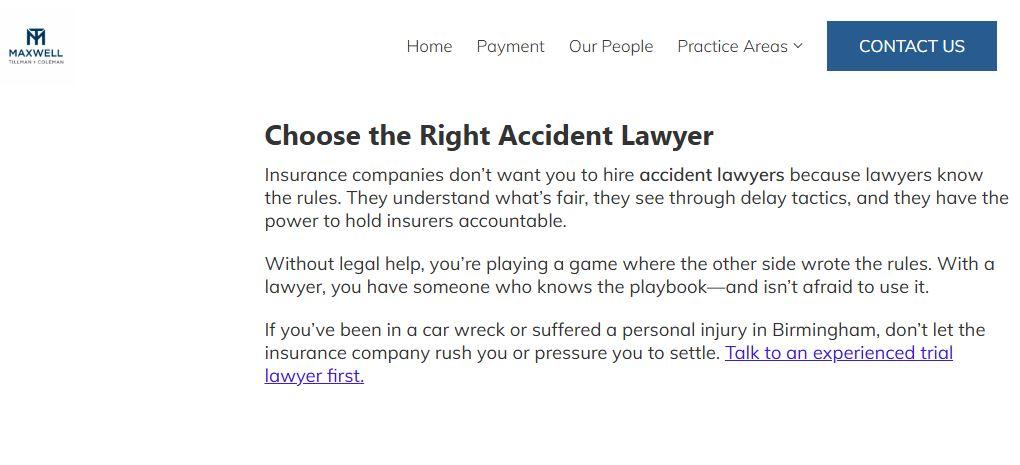
5. Slide-in offers for mobile visitors
Mobile visitors rarely wait for full-screen pop-ups. Slide-ins feel lighter, less intrusive, and appear from the side like a gentle suggestion, making them perfect for mobile-friendly layouts.
On an AI website creator like B12, you can add slide-ins to a professional website without needing a web developer or advanced technical skills. They perfectly match your visual elements and design preferences, shining on service pages, blogs, and ecommerce features alike.
With easy customization, your site builder lets you fine tune timing, colors, and placement so every AI-built website captures attention while staying SEO-friendly and user-friendly.
6. Personalized CTAs using AI segmentation
Personalized CTAs have a 200% higher conversion rate than regular CTAs. With AI segmentation in place, the message adjusts automatically: returning visitors may see “Book your follow-up call,” while first-timers get “Get your free guide.”
This kind of personalization separates a basic Wix AI website generator experience from the best AI website builder. On an AI-built site, AI segmentation can adjust CTA text and color based on visitor type, without manual setup.
7. Multi-step forms for better conversion
People don’t like long forms. Breaking them into simple, bite-sized steps makes completion feel easier – that’s where multi-step forms come in. Pair them with a small banner timer that says “2 steps left,” and visitors think, “This won’t take long,” which nudges them to finish.
These forms are perfect for web development services, consult bookings, or onboarding questionnaires. Inside B12, they're built into the same system that handles scheduling, email, and lead tracking, keeping your custom domain site organized without extra tools.
8. Urgency banners with countdown timers
Urgency works wonders for nudging visitors already interested in your offer. Countdown timers for limited-time deals, registration windows, or flash sales give your site a gentle push, turning curiosity into action.
When paired with exit-intent pop-ups and bold calls-to-action, these banners can guide behavior without making visitors feel pressured. On an AI website creator like B12, you can add urgency banners directly into your fully functional website, adjusting visual elements, colors, and placement with easy customization.
9. AI-powered follow-up automations
Capturing a lead is only half the job. The rest falls on follow-ups, turning interest into conversation. When someone submits a form, AI-powered automations can trigger confirmation emails, meeting reminders, or intake messages right away.
This matters for professional website owners who don’t want leads sitting in a forgotten inbox. B12 connects follow-ups directly to forms, calendars, and CRM-style tracking, so your AI-built website works more like a central hub than a static page.
How to implement these strategies with AI website builders
Many AI website generators promise automation, but the experience isn’t always smooth. Some handle the design process well, yet leave CTAs, pop-ups, and testing scattered across separate tools.
That’s usually where momentum stalls, especially for nontechnical users who only want things to work without digging through settings.
B12 approaches this differently by baking conversion tools directly into the build process, so you’re not guessing where things belong or how they connect.
Here’s how free AI website builders like B12’s platform supports these strategies:
-
Automatically optimizes conversion placements
CTAs, pop-ups, and banners are placed based on page layout and visitor behavior, not random defaults. You can adjust them anytime, but the starting point already makes sense for how people move through your site.
-
Includes forms, banners, and pop-up templates
Instead of building everything from scratch, you get ready-made templates that are easy to tweak. Change the copy, colors, or layout, and you’re done—no coding, no extra plugins.
-
Syncs with scheduling and email follow-up tools
When someone submits a form, it doesn’t just sit there. Submissions are connected to calendars, email notifications, and lead tracking, keeping your site organized and responsive without juggling separate systems.
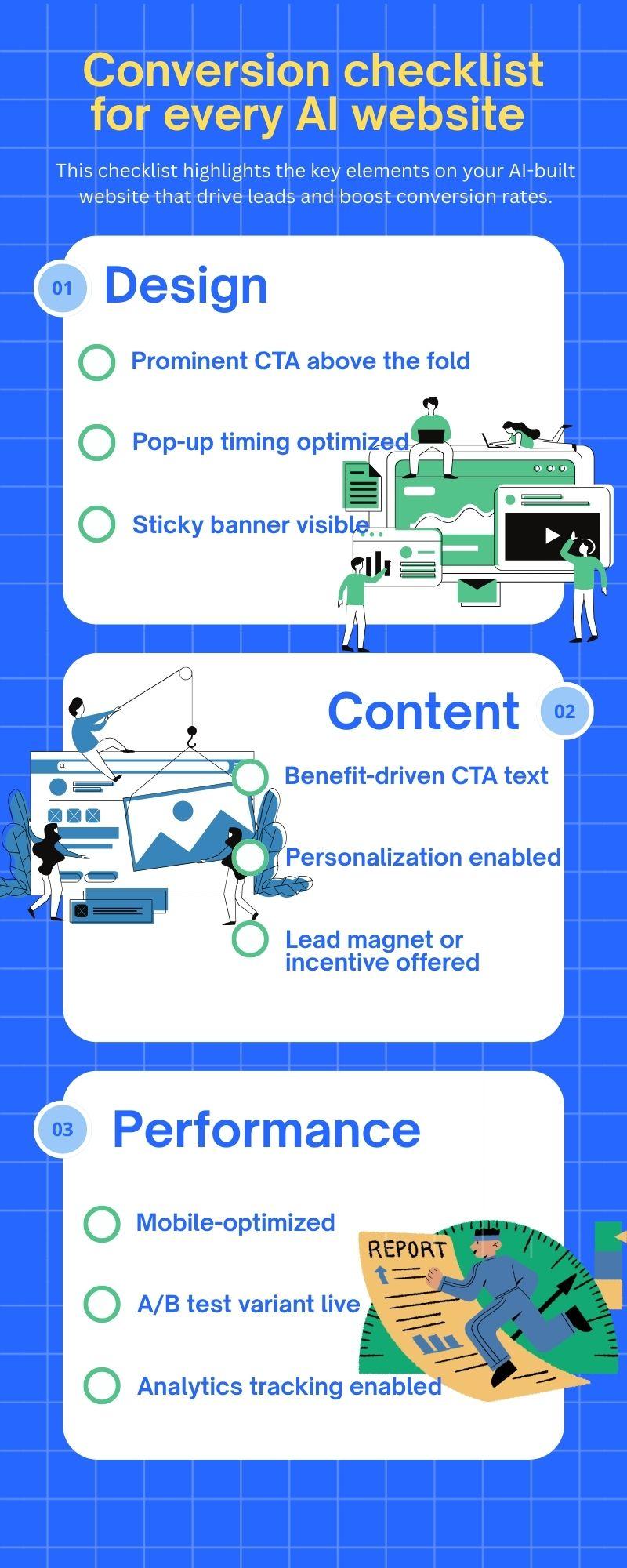
Conversion checklist for every AI website
Why B12’s conversion tools stand out
Compared to other AI website creators, B12 is designed for users who want fully functional websites without juggling multiple tools. Here’s what makes it unique:
1. Unified dashboard for banners, CTAs, and forms
Instead of switching between plugins or separate apps, B12 gives you a single place to manage visual elements, pop-ups, and calls-to-action. Everything lives in one dashboard, so you can fine-tune your dream website with no coding experience or extra technical setup.
2. Smart AI testing for message performance
The platform automatically tracks which banners, CTAs, and forms get the most clicks. This lets you create websites that convert better without needing a web developer to dig through data. You can adjust copy, colors, and placement in plain language using B12’s AI Agent feature, while it handles the behind-the-scenes AI tools.
3. Integrated lead capture and follow-up automation
Leads aren’t left in a forgotten inbox. Submitted forms trigger follow-up emails, reminders, or scheduling notifications instantly. By connecting everything – forms, calendars, and email tools – B12 ensures your site works like a central hub, making it easier to manage client testimonials, onboarding, or bookings.
4. Designed for professional service businesses
Every feature is built with real-world services in mind. From SEO-friendly layouts to ecommerce features and reliable hosting, B12 helps you launch your dream website that perfectly matches your brand story. You don’t need technical skills; the platform guides you while keeping all the technical details in check.
Generative AI websites by B12 | How to create a website instantly
Implement conversion strategies using AI website builder features and AI tools
Small tweaks in placement, timing, and messaging can have a huge impact, sometimes doubling your conversions. AI tools make testing and tracking easier, letting you fine-tune pop-ups, banners, and CTAs without needing a web developer or technical skills.
Even subtle adjustments to visual elements or the timing of a multi-step form make visitors more likely to engage. And when all these elements work together, your traffic turns into real leads and conversations.
With B12, these tools are built directly into your AI website creator, so your fully functional website is optimized from the start. You can create websites that are user-friendly and perfectly match your brand story, without worrying about all the technical details.
Boost your conversions with B12’s AI website builder, including pop-ups, banners, CTAs, and more.
Look professional online with tips from B12
Receive our email newsletter for advice on how to grow your business and engage clients.
Draft your site in 60 seconds
Get an AI website made specifically for you that's free to launch.
Start for free ✨No credit card required
Related posts


Spend less time on your website and more time growing your business
Let B12 set up your professional online presence with everything you need to attract, win, and serve clients.