Build an AI website in 60 seconds
AI generates your personalized website instantly with built-in scheduling, payments, email marketing, and more.
Start for free


7 easy steps to build a website with AI for free (beginner’s guide)


Building a website used to mean wrestling with code and hopping between different design tools. Now, however, AI website builders have flipped the script. An AI site maker does all the heavy lifting, as it can automatically generate customized layouts, basic copy, and visual assets.
Additionally, the entire process is simple: simply tell the AI-powered tool what you do, and it will generate a working homepage, contact forms, and a sensible site structure. That means less time tinkering with pixels and more time focusing on quality content, products, or client work.
For many small teams, creators, and freelancers, a free website builder like B12 creates a quick path to a responsive website that appears professionally designed without upfront fees. B12’s process combines automatic site generation with an editor to refine the copy, add pages, and connect a custom domain name later. This article shows you how to build a website for free with AI. You also get bonus tips on what to do after launching your AI-generated website.
Step-by-step guide: how to build a website with AI for free
Here’s a friendly walk-through of what it takes to create your own website using AI at no cost.
Step 1 – Define your website’s goal
Start with the basics: why are you building this site? Is it a portfolio, a place for your small business, an online store, or just a blog? Define a couple of clear goals, like "getting more bookings" or "collecting leads."
This clarity helps AI builders like B12 tailor your site’s design and call-to-actions (CTAs) to fit your needs perfectly. This also guides the AI writer to recommend the most effective layout, whether it’s a photo gallery or a checkout page for your own online store.
Step 2 – Choose the right free AI website builder
Selecting an AI site builder is like choosing a tool from a toolbox. B12, Durable, Wix ADI, and Hocoos, are just the top 4 AI website creators. Here’s how they stack up from each other:
- B12: An AI website builder built specifically for professionals and small businesses, offering AI-generated website structures, on-brand copy, and built-in business tools. It’s ideal if you want a platform that grows with you and supports long-term use without switching platforms.
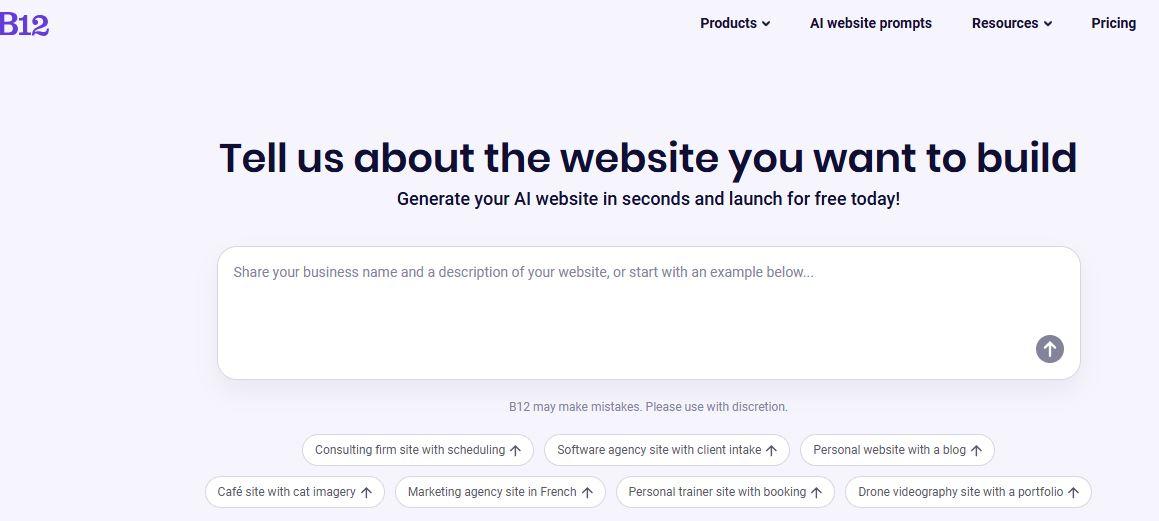
- Durable: This site builder focuses on ultra-fast site generation, creating a usable website in seconds with simple prompts. It’s best for beginners who want quick results but may need more customization later.
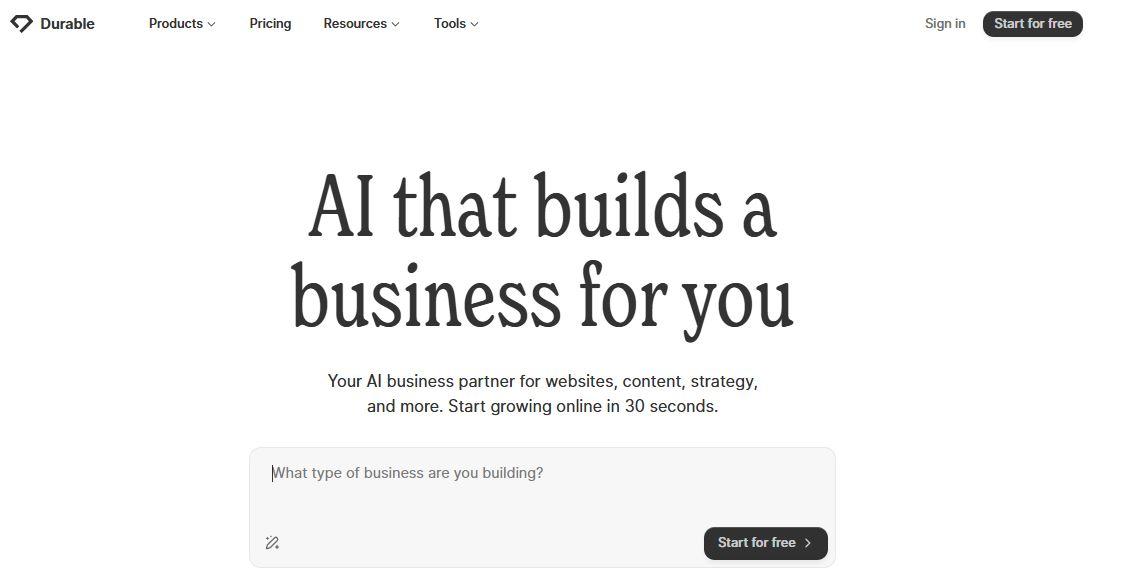
- Hocoos: Hocoos uses conversational prompts to generate pages, branding, and content, making it friendly for users who want a guided, hands-off creation experience. It’s a good fit for hobbyists and small service providers who don’t need advanced business tools.
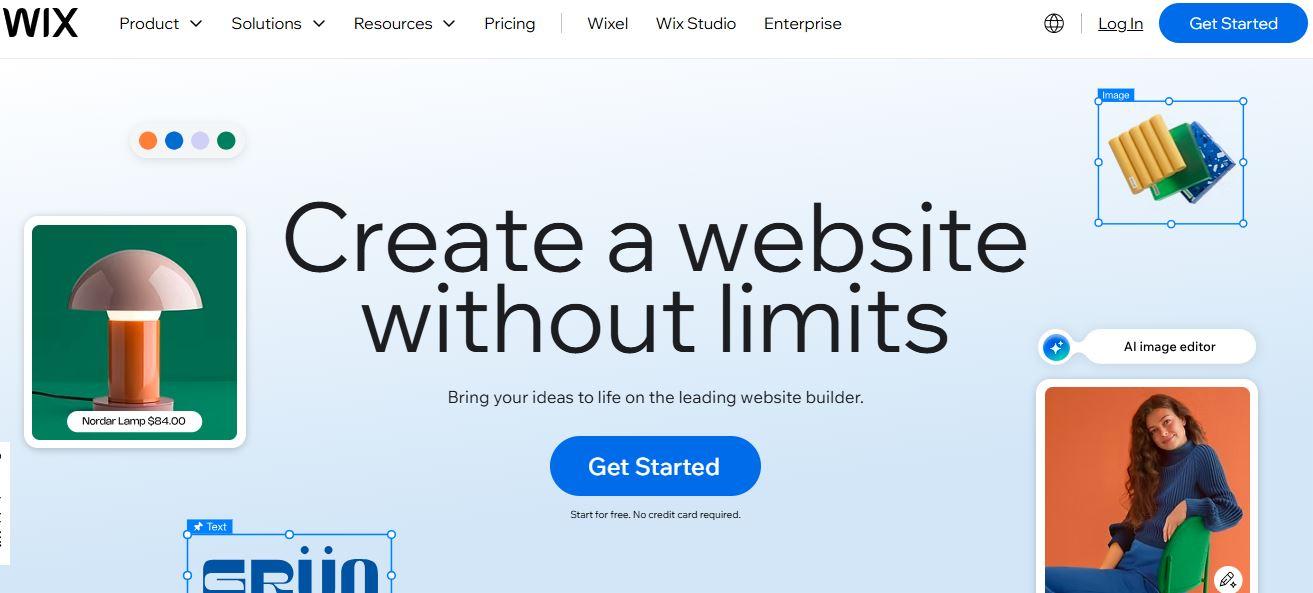
- Wix ADI: Wix ADI combines AI generation with the flexibility of Wix’s broader ecosystem, allowing you to switch to manual editing when needed. It’s ideal for users who want creative control and access to a large template library.
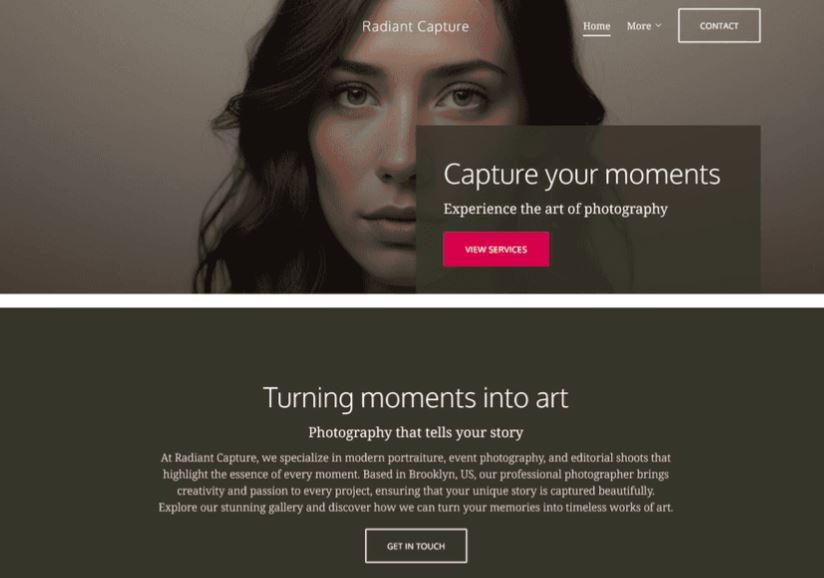
If you’re still unsure what qualities to look for in an AI website generator to choose, here are 4 bonus tips to consider:
- Prioritize one that offers a free version or trial, so you can test features before committing.
- Look for built-in SEO tools and mobile responsiveness, since these help your site rank well and perform smoothly across devices.
- Consider platforms that make it easy to edit your site post-generation, especially when updating content, adjusting layouts, or refining calls to action.
- They should have built-in business-focused features, like payments, forms, and scheduling, to streamline operations from day one.
B12 offers all these essential features, including free access, SEO tools, mobile optimization, editable content, and built-in business workflows. For serious small businesses or freelancers seeking a professional website, B12’s free option provides the most complete package without sacrificing quality.
Step 3 – Input your business description or prompt
AI builders work best when you give them clear, focused information. Think of your prompt as the elevator pitch that helps the AI builder understand your brand and purpose.
For example, type something like "I’m a personal trainer offering online fitness sessions," and B12’s AI quickly drafts a homepage, service sections, and contact form tailored to the description you provided. They even have a prompt gallery so you can find industry-specific website templates to borrow inspiration from.
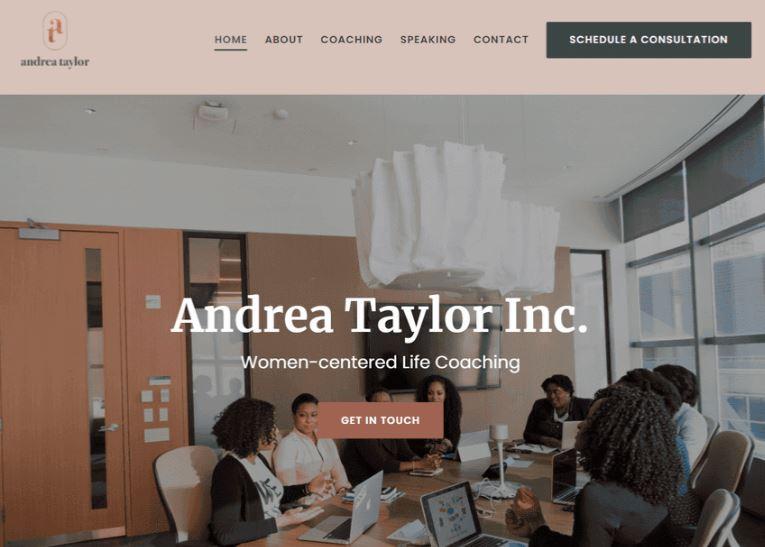
Step 4 – Customize design and branding
After the AI generates your free website, make sure you customize it according to your preferred design layout. The AI only speeds up the creation of the foundational structures of your website, but you still have to tailor it based on the nuances of your branding.
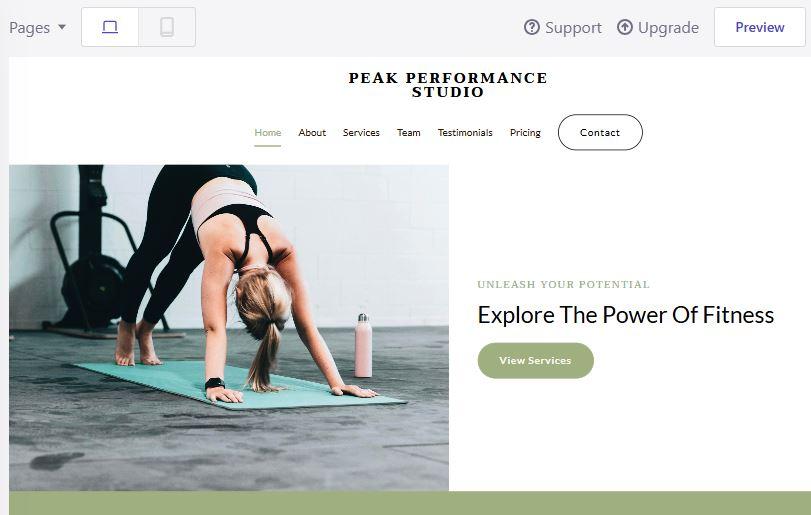
B12 provides automatic color-matching along with an easy drag-and-drop editor. Its editor and AI Agent let you easily adjust layouts and reorganize sections without any technical steps.
This free website builder also includes a mobile device preview so you can see how your site will look on smaller screens. With these capabilities, B12 lets you build a professional website for free, even without any coding knowledge.
Step 5 – Add key sections or pages
A good website should have the following sections:
- Home
- About
- Services or Shop
- Testimonials
- Contact
These pages give potential customers essential information about who you are, what you offer, and how to contact you, while also building trust through social proof. They make it easy for users to navigate your entire website, whether you're trying to sell products, attract new customers, or promote in-person events across your social media platforms.
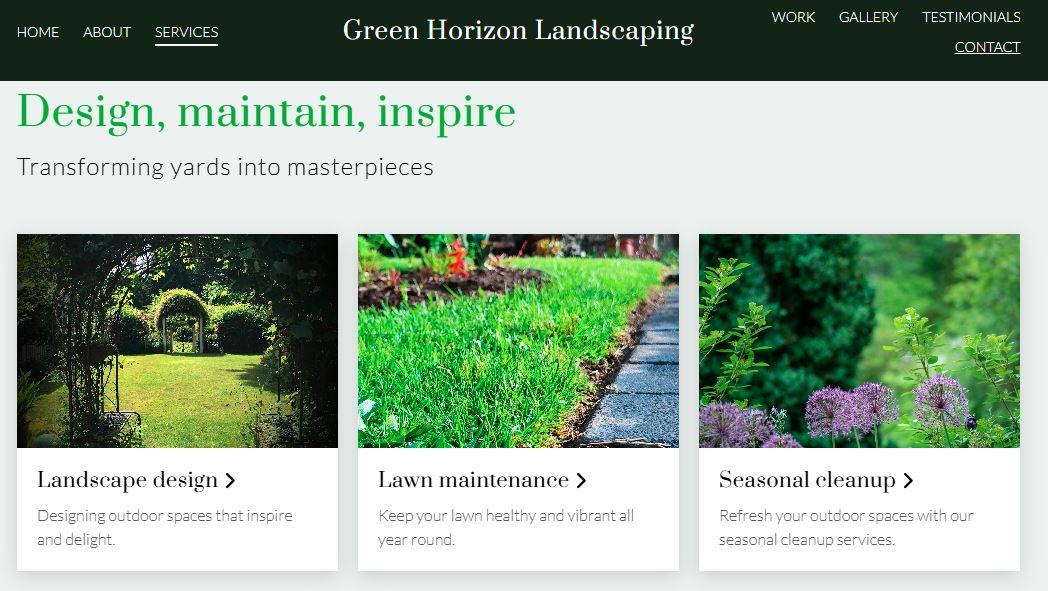
For a single-page layout, make sure visual breaks and clear headings guide someone scrolling down. Use short paragraphs, strong page content, and buttons that point to a single action. Most website builders pre-generate these pages; you’ll be rearranging and tightening rather than starting from nothing.
Step 6 – Optimize for SEO and mobile
Before you publish, add keyword-rich headlines and meta descriptions. Use descriptive alt text for images and choose readable H2/H3 headings with short paragraphs for clarity.
Test the mobile preview for responsiveness and click through every form to ensure that everything works properly. Many free website builders, including B12, handle SEO basics and HTTPS security, helping users with minimal in-depth SEO experience save time and effort.
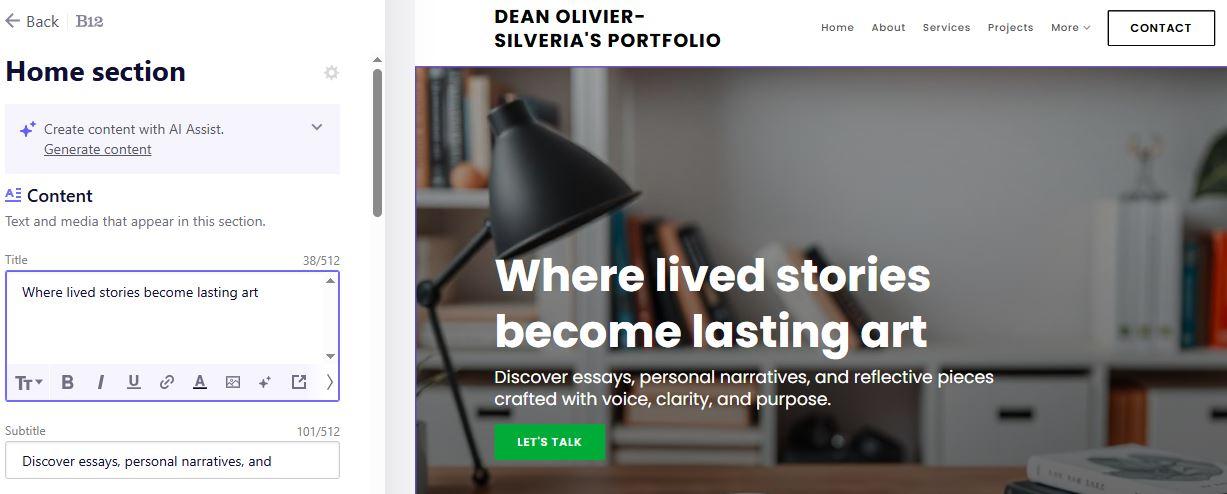
Step 7 – Publish and share your website
Once you’re ready, B12 lets you publish to a subdomain for free or connect a custom domain name. One important thing to note is that launching is not the finish line. Rather, it’s the first step in promoting your own website.
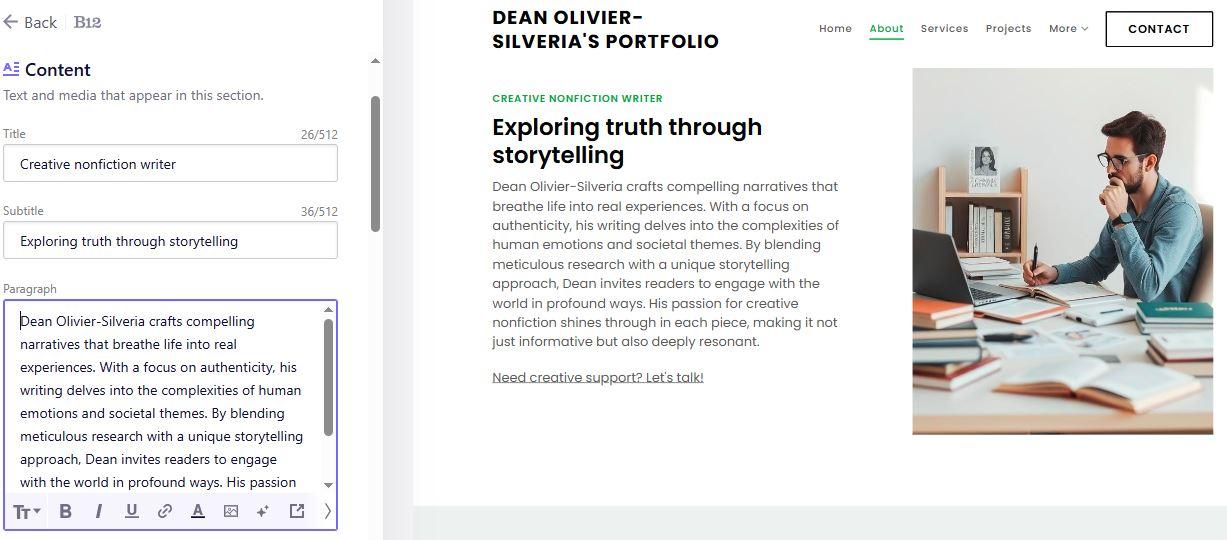
To begin driving traffic to your new website, you can:
- Share your link across all your social media platforms.
- Add it to your Google Business Profile to boost local visibility.
- Notify your email list through a newsletter.
B12 also equips your page with conversion tools, like integrated forms and scheduling options, helping you engage visitors and potential leads right away. Another benefit of using B12 is that it encourages iteration. After a quick launch, you can gather user feedback and refine your website to enhance engagement.
4 bonus tips: What to do after launch
Whether you're planning to create one or more complex websites, consider following these tips before launch:
1. Monitor visitor behavior using analytics.
Use tools like Google Search Console and Google Analytics to help you understand how people navigate your website and which pages get the most interaction. These insights reveal which page content needs refinement, whether it's your homepage, service descriptions, or visuals.
Tracking user behavior also ensures your AI-generated site stays aligned with the visitors’ needs. It’s also ideal for supporting long-term SEO-ready improvements.
2. Add testimonials or social proof.
Showcasing customer quotes, case studies, or ratings boosts trust and gives your professionally designed website more credibility. AI website builders make it easy to drop these into your layout using a drag-and-drop editor, ensuring visitors see proof of your value.
This simple upgrade boosts your website’s conversions and complements your built-in SEO tools by creating more relevant content on the page.
3. Improve CTAs and visual hierarchy over time.
Refine your CTAs based on click data to increase conversions without redesigning the entire website. Even small changes to button placement, text contrast, or spacing can improve how visitors move through your funnel. Using an AI-powered editor helps you consistently adjust your content and visuals, so your website stays engaging and easy to follow.
4. B12 allows ongoing AI-based content updates and design refinements.
One advantage of using B12 as your free website builder is that it supports continuous, AI-assisted improvements after launch. You can regenerate copy, refresh images, or refine layouts without hiring a web developer. This approach keeps your site optimized and scalable, especially when you pair it with new features like contact forms, photo gallery updates, or adding a custom domain name.
Why AI is the smartest way to build websites in 2026
Here are the key reasons why using AI to create a website is the smartest way in 2026 and beyond:
-
AI-powered site makers ensure speed.
With AI, you can generate a complete, professionally designed new site in minutes, removing the guesswork from layout, branding, and technical setup. This enables you to quickly launch one website after another without needing coding knowledge or spending hours on manual web development.
-
They focus on consistency.
AI ensures that every section, from headers to calls-to-action, comes with strong design principles and remains mobile-friendly across mobile devices. Even without a web designer or freelance web developer, your entire website maintains a cohesive, professional look similar to the best platforms available today.
-
They uphold professional design standards.
This approach ensures your entire website is fully functional and equipped with advanced features, such as built-in marketing tools, contact forms, and a photo gallery. It can handle traffic spikes and help attract new customers, while allowing you to sell products or manage your own online store seamlessly. The AI workflow also simplifies day-to-day updates, letting you add images, adjust page content, or connect a custom domain name as your more complex websites grow and evolve.
B12's advantage as a free website builder
Here are 3 reasons that make B12 one of the best website builders around:
1. AI builds your structure, and human designers refine it.
B12’s AI engine builds your initial structure, and human experts polish it when you need extra quality. This hybrid process means your own website starts strong and continues evolving into something more tailored than what a standard template can provide. It’s ideal for small teams who want speed at launch but flexibility for custom work later.
2. Includes SEO, security, and business tools out of the box.
B12 includes built-in SEO tools, SSL security, lead capture forms, scheduling tools, and e-commerce options. These features help your pages become more SEO-ready without needing plugins or a technical setup. It’s a streamlined way to build a site that ranks, converts, and supports operations beyond just displaying information.
3. Free preview before committing to any plan.
With B12, you can generate your entire website for free and see exactly how it looks before paying for anything. This enables you to test layouts, experiment with prompts, and fine-tune your page content using the built-in drag-and-drop editor. Only when you're ready, like when connecting a custom domain name, do you choose a plan, making it a low-risk option for new creators and business owners.
Conclusion
Building a good website no longer requires coding experience, a steep learning curve, or the cost of hiring a web designer. With today’s AI website builders, anyone can create a site quickly, affordably, and beautifully. The best part? The entire website comes complete with strong design, built-in SEO, and the essential pages a business needs to thrive online.
If you want to experience this for yourself, try B12’s free AI website builder and see how quickly it transforms your business description into a polished, professional site. It’s one of the best ways to validate your concept, attract new customers, and start building an online presence without the overwhelm.
Look professional online with tips from B12
Receive our email newsletter for advice on how to grow your business and engage clients.
Draft your site in 60 seconds
Get an AI website made specifically for you that's free to launch.
Start for free ✨No credit card required
Related posts


Spend less time on your website and more time growing your business
Let B12 set up your professional online presence with everything you need to attract, win, and serve clients.