Website Generator by B12
Turn a Slack message
into a website
Website Generator by B12 lives in your Slack workspace. Describe your business in a quick message, and B12's AI builds a professional draft you can review, edit, and publish for free.
By adding to Slack, you agree to our Terms and Privacy Policy.
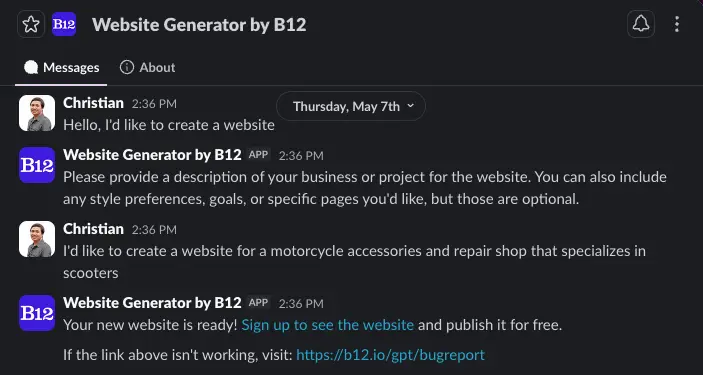
From message to website in 3 steps
Add it to Slack
Click “Add to Slack” and approve the permissions. The app can then respond to DMs and to @mentions in channels or group messages where you add it.
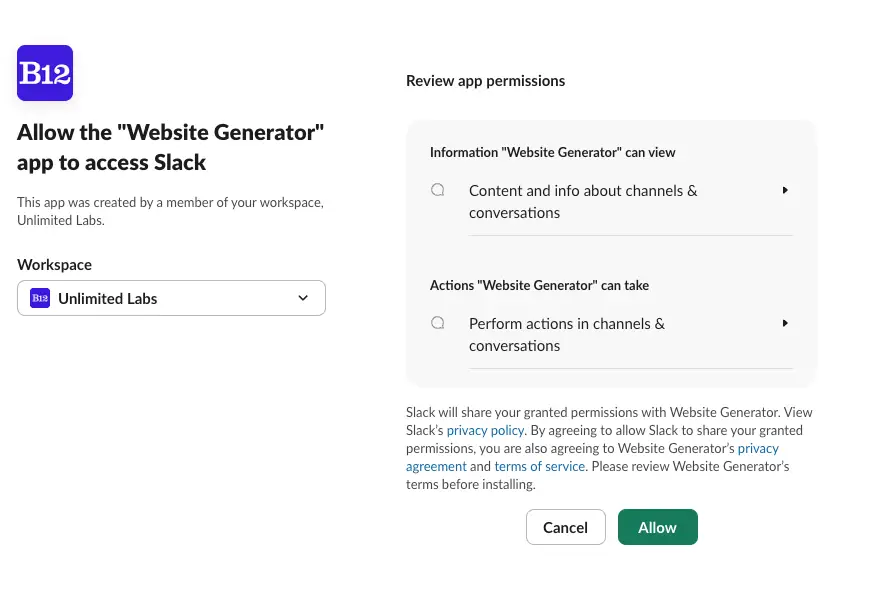
Describe your business
DM the bot (or @mention it in a channel) and ask for a website. All it needs is a quick description: what you do, plus any style preferences, goals, or pages you want.
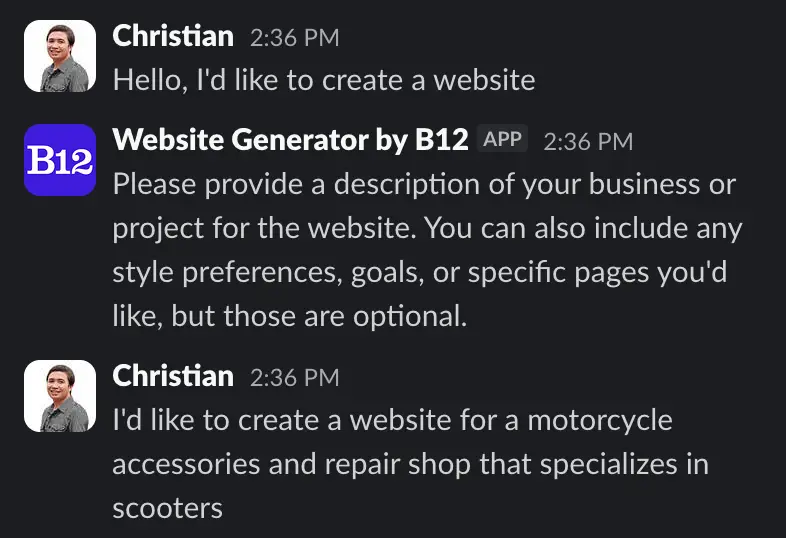
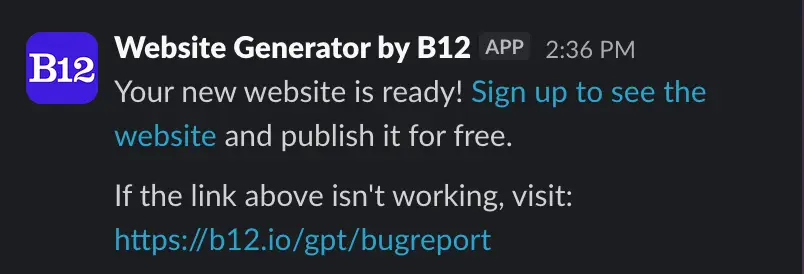
Get your website
In about a minute, the bot replies with a signup link. Create your free B12 account to view, edit, and publish your AI-generated website.
Everything you need to launch from Slack
B12's AI — trusted by 4M+ businesses, creators, and teams — generates a complete draft site with copy, structure, and design. Review it, sign up free, and publish when you're ready.
Works where you work
Generate websites from any DM or channel where the app is added. Perfect for agencies and teams collecting client requests in Slack.
AI that drafts the whole site
Every draft comes with copy, images, design, and pages built out, based on what you asked for.
Free to try
Generating a draft is free, no credit card required. Sign up to see your site, then publish it free and upgrade anytime.
Frequently asked questions
im:history), see when it's @mentioned (app_mentions:read), and reply (chat:write). It cannot read other channels or conversations.Turn your next Slack message into a website

By adding to Slack, you agree to our Terms and Privacy Policy.
Website Generator by B12 uses generative AI (large language models) to create website drafts. AI-generated content may occasionally be inaccurate or incomplete — please review your site's text and details before publishing. B12 does not use your Slack message data to train AI models.