Portfolio website builder
Describe your work and AI builds your portfolio. Free to start.
Tell B12 what you do and who you want to reach, and you'll get a portfolio website with your projects, bio, and contact page in about two minutes. Then tweak the copy and design in chat or the visual editor, and publish when it feels right.
Free to try. No credit card needed.
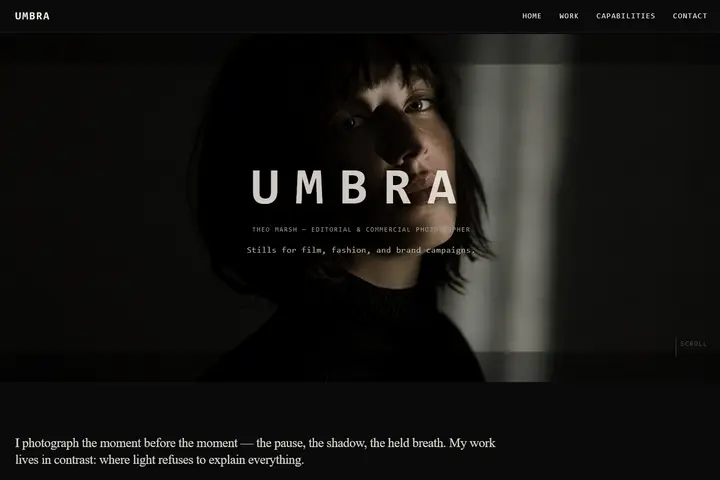
Prompt
"A moody portfolio for an editorial photographer."
B12 is an AI portfolio website builder for anyone who needs to showcase their creative work online: photographers, designers, writers, developers, and students. You don't need design skills or technical knowledge to get started. Customize your portfolio site, publish it on your own domain, and update it whenever you have new work to share.
How to make a portfolio website in 3 steps
- 1
Describe your work. Say what you do, who it's for, and the style you have in mind. This gives the AI a starting point for your portfolio website.
- 2
Refine it in chat. Once B12 creates your first draft, tell the AI Agent what to change, like "Make the gallery full-width" or "Add a case study page for the Nike project." You can also edit text and images directly in the visual editor.
- 3
Publish. Go live for free on a b12sites.com address, or connect your own custom domain on a paid plan. Share the link to your professional portfolio page with potential clients and employers.
That's all it takes to get your portfolio online.
Explore portfolio templates by profession
You don't have to start from scratch. B12's portfolio templates give you ready-made sites you can customize. Pick one, swap in your own images and words, and publish your online portfolio in a few clicks. Browse all portfolio website templates, or start with one built for your field:
-
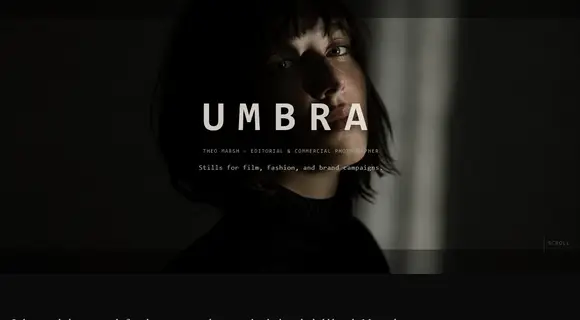 Photography portfolio
 -
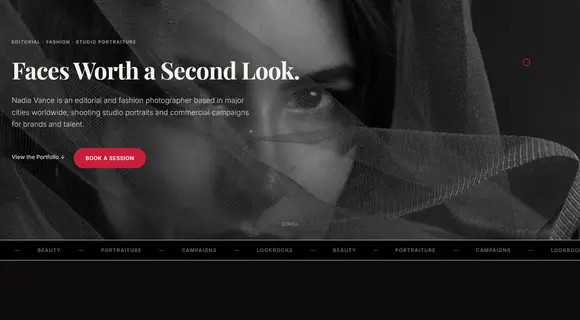 Portrait and fashion photographer
 -
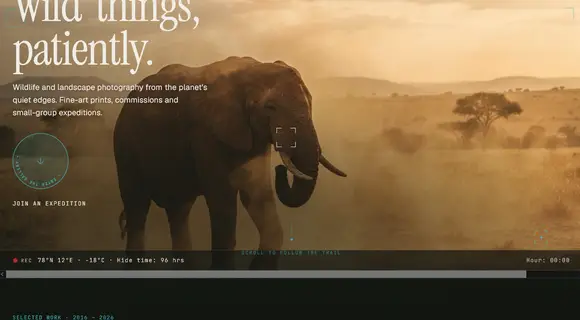 Nature and wildlife photographer
 -
 Food photography
 -
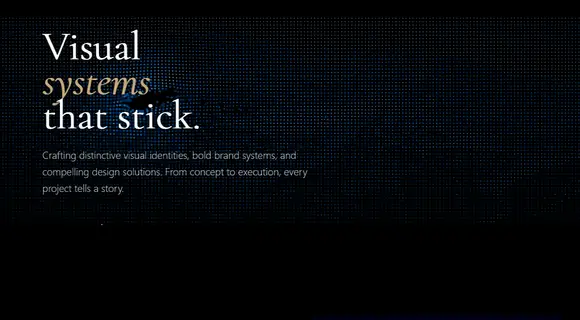 Graphic designer portfolio
 -
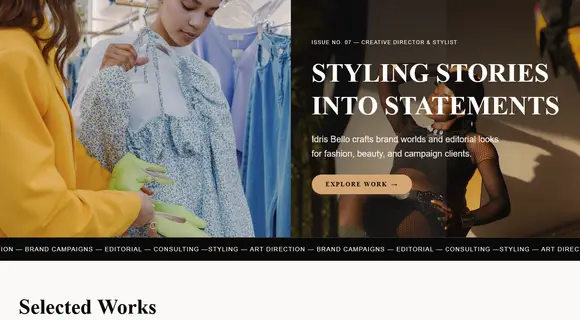 Creative director
 -
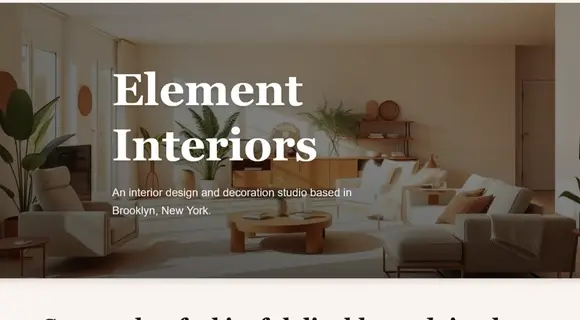 Interior design
 -
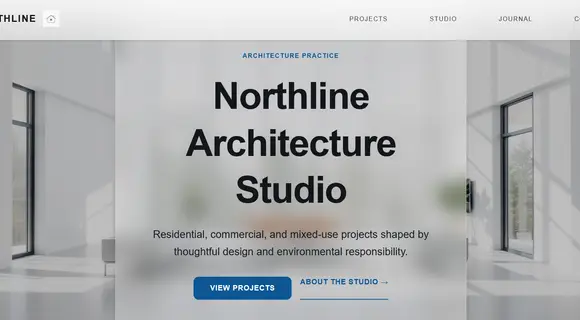 Architecture
 -
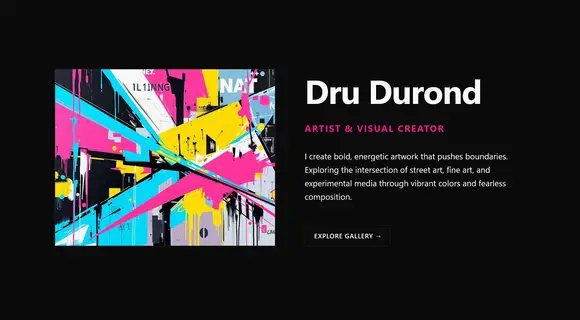 Artist portfolio
 -
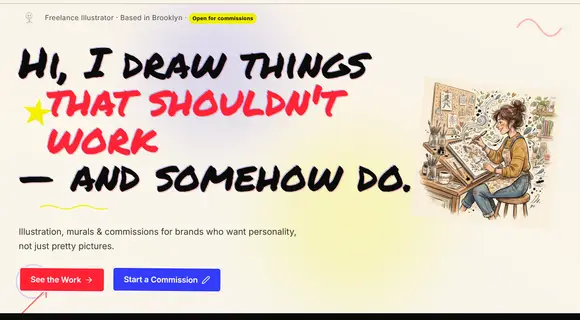 Illustrator portfolio
 -
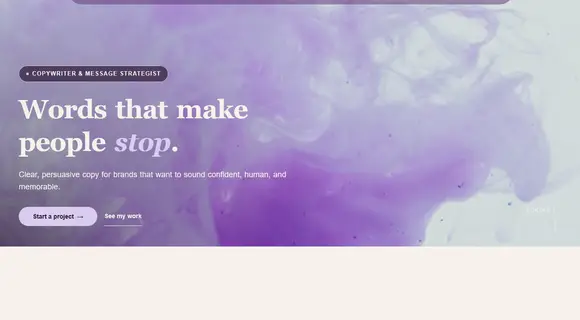 Copywriter portfolio
 -
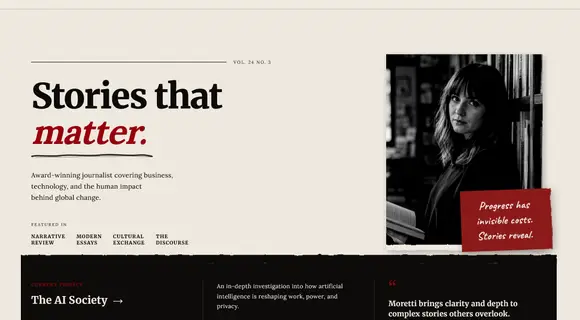 Journalist portfolio
 -
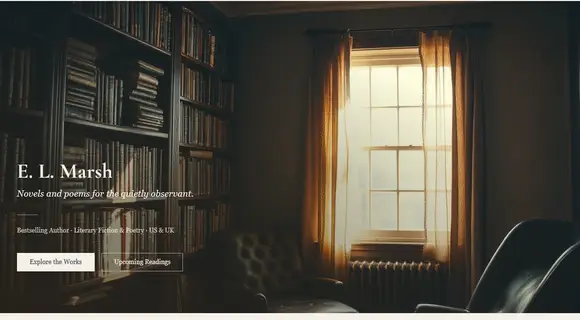 Author website
 -
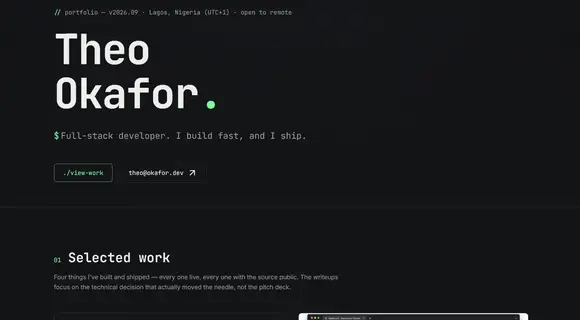 Web developer portfolio
 -
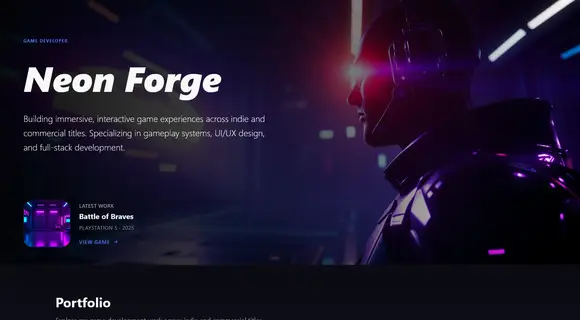 Game developer portfolio
 -
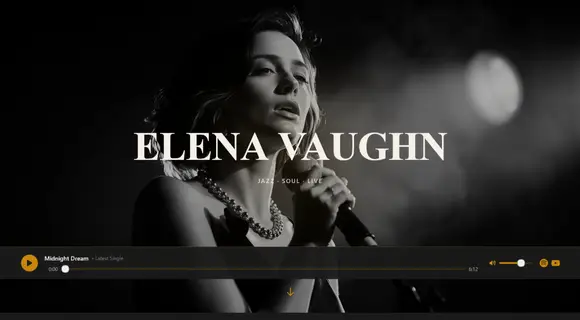 Musician website
 -
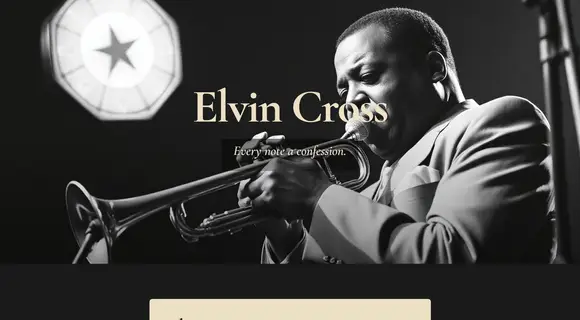 Music website
 -
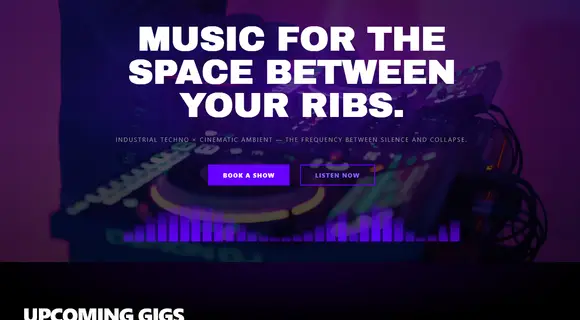 DJ website
 -
 Event photography and videography
 -
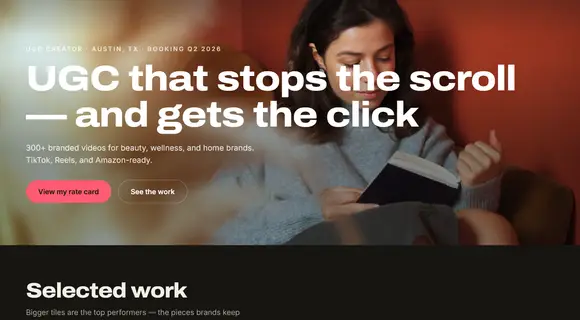 UGC creator portfolio
 -
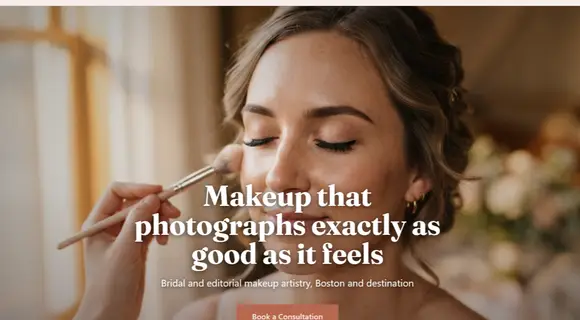 Makeup artist portfolio
 -
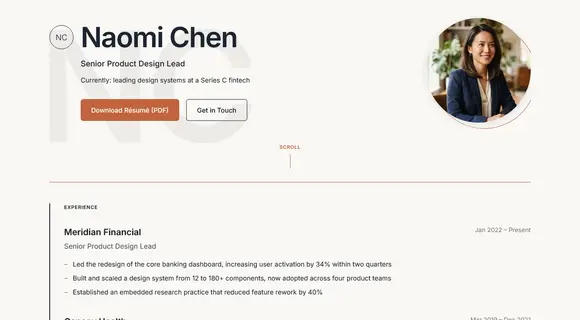 Résumé website
 -
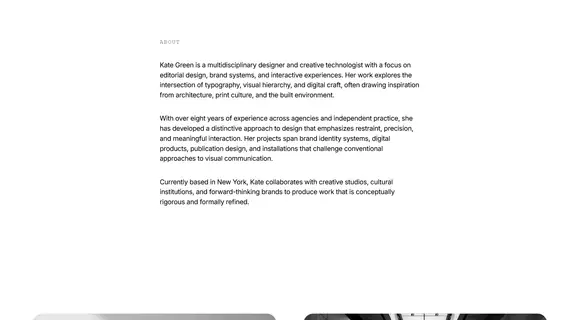 Personal portfolio
 -
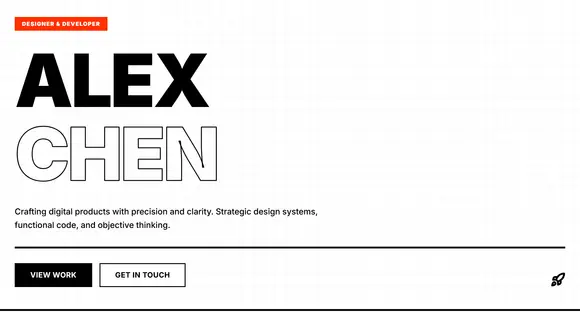 Minimalist portfolio
 -
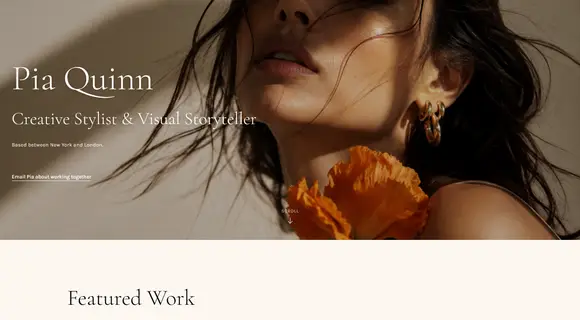 Editorial portfolio
 -
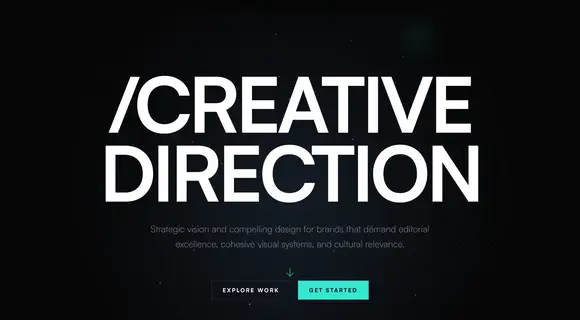 Modern creative portfolio
Why use an AI portfolio maker
Most online portfolio makers give you a template and a drag-and-drop editor. That works, but you still have to write every section and arrange every image. An AI portfolio maker writes the first draft for you, so there's less of a learning curve.
With B12, you start with a draft based on your projects, services, and voice. You spend your time choosing which work to showcase, and less time adjusting layout options by hand.
The common worry with AI is that your site will look like everyone else's. You avoid that by directing it. Give B12 a clear idea of your style by describing the colors, layout, and mood you want. Attach a screenshot or a site you love for reference, then explain what you're after: "I shoot moody, film-style portraits, so keep it dark and quiet." Specific references and details get you a first draft that feels more like you.
Customize every detail
Your portfolio should feel like your personal brand. Change fonts, colors, and layouts in the visual editor, or ask the AI Agent to make changes for you. You can say "Use a serif font and more white space" or "Switch the gallery to a masonry layout." Upload your own images, logo, and video. Your custom site adjusts to different screen sizes, so your work looks right on phones, tablets, and desktops.
Portfolio website builder features
Everything you need to run your online portfolio website is included, so you don't have to pay for a bunch of different tools just to showcase your best projects.
-
Show your work.
Full-screen images, video, and case study pages. For example, photographers need high-resolution galleries and an easy way to share proofs.
-
Get hired.
Contact forms, inquiry forms, and booking so clients can reach you.
-
Get found.
On-page SEO built in, plus an AI Agent that researches keywords with real search data and runs SEO audits.
-
Look good on every device.
Every portfolio is mobile-responsive.
-
Get paid.
Sell prints, presets, or services and accept payments on the Website plan and up.
-
Run client work.
Client intake, email marketing, contracts, and eSignatures on the Website + Client Engagement plan.
-
Stay in touch.
Send email campaigns to past clients and subscribers on the Website + Client Engagement plan.
-
Make it yours.
Your own custom domain, free for the first year on paid plans.
How to create a portfolio that gets you hired
A good portfolio is built for the people you want to reach. Potential clients want to see results and how to hire you. Potential employers want to see your skills, your process, and how you think. Show the right work to the right audience, and you're more likely to make a lasting impression.
- Lead with your strongest project. The first project people see shapes how they judge the rest.
- Organize your work. Group projects by type or client to make browsing easier.
- Keep it focused. A one-page portfolio works well if you have a few projects to show. Use separate project pages when each piece needs a case study.
- Use high-quality images. Upload full-resolution files and add short captions with your role and the result.
- Give visitors a next step. Add clear calls to action that help potential clients get in touch, book a consultation, or ask about your services.
- Make it easy to find. Add your name, specialty, and city to page titles so search engines can match you to the right audience.
- Share it everywhere. Put your portfolio's URL in your email signature, résumé, and social media profiles.
- Update it. Swap in new projects every few months so your portfolio site reflects your current work.
How to choose a portfolio website builder
Think about how much of the design work you want to do yourself. Drag-and-drop portfolio builders simplify the design process for beginners without coding skills. Code-based builders suit developers. An AI portfolio maker suits anyone who wants a finished first draft fast. Whichever you choose, check four things: customizable templates for your field, a custom domain, fast-loading pages, images, and video, and room to add booking, payments, or a store later.
What to include in your portfolio website
- A clear intro. One line on what you do and who you do it for.
- Your best work. Six to 12 strong projects beat 40 average ones.
- Case studies. For two or three projects, show the brief, your process, and the result.
- About page. A short bio and a photo.
- Testimonials. A few lines from clients or collaborators.
- Contact. A simple form, plus your email and social links.
Not sure where to start? Ask the AI Agent: "Write a short bio from my résumé," and attach the PDF.
Built for every kind of portfolio
Photographers, videographers, musicians, graphic designers, illustrators, artists, architects, interior designers, writers, web developers, makeup artists, creators, and students all use B12 to show their work. Freelancers use it to win clients, job seekers to stand out to employers, and studios to bring their team's work together in one place.
Prompts to try:
- "Build a portfolio for a freelance illustrator who does children's books."
- "Add a case study page for each of these three projects," with screenshots attached.
- "Use this video as the background on my homepage."
Portfolio website builder FAQ
Yes. The free plan lets you build and publish a mobile-friendly portfolio on a b12sites.com address, with 5 AI credits a day (up to 30 a month) and the visual editor. When you want your own domain, no B12 ads, and more AI credits, you can upgrade to the Website plan for $24/month.
Yes. You can create a professionally designed portfolio and publish it free on a b12sites.com address. Upgrade to a paid plan for your own domain and more AI credits.
Describe your work in the prompt box and the kind of portfolio you have in mind. B12 builds a first draft with key sections like your projects, bio, and contact page. Make changes by chatting with the AI Agent or using the visual editor, then publish your portfolio.
That comes down to how you want to build your portfolio. Squarespace, Wix, and Adobe Portfolio are popular drag-and-drop options with portfolio templates. If you'd rather describe your work and get a polished first draft, an AI portfolio creator like B12 is faster, and lets you add a backend and other tools when you're ready.
Mostly, yes. A digital portfolio can also mean a PDF or slide deck. An online portfolio is a website people can visit to see your work. You can update it as you take on new projects and use SEO to help people find it online.
No design experience or technical knowledge needed. You describe what you want and B12 builds it. If you're a designer and want control, you can further fine-tune the site to get the look you want.
Yes. Paid plans include a free custom domain for the first year, or you can connect one you already own.
Yes. B12 sites are built to work across phones, tablets, and desktops, making your free portfolio website easy to browse on different screens.
Yes. B12 sites come with on-page SEO built in, and the AI Agent can help you rank. Ask it to research keywords for your specialty, and it pulls real search data, then saves the best ones to your keyword list. Once your custom domain is connected, it can tell you where you rank for each keyword, run an SEO audit, or plan a content calendar. Research uses AI credits.
Yes. By enabling a backend, you can sell prints, products, or services, accept payments, and let clients book appointments with you online.
A résumé gives a quick overview of your skills and experience, and a portfolio shows examples of your work. With B12, you can put both on one site by adding a résumé page to your portfolio, or create a standalone résumé website.
Build your portfolio by describing it
Tell B12 about your work and get a portfolio you can edit, publish, and grow. Start for free. Upgrade when you're ready for your own domain.
Free to try. No credit card needed.